E-Shikshakosh Login Issue How to Reset Your Teacher Password
By
E-Shikshakosh Login Issue How to Reset Your Teacher Password
If you’re struggling with logging into the E-Shikshakosh portal, you’re not alone. Whether you’ve forgotten your password or can’t get past the login page, it can be frustrating. But don’t worry! This guide will walk you through the easy steps to reset your password and get you back on track. Let’s make it quick and simple—just like chatting with a friend.
Why Login Issues Happen
When you try to log in to the portal (for teachers, admin staff, etc.), common problems are:
Wrong User ID or password — sometimes a typo, or Caps Lock ON.
Forgotten password — many teachers get a default password and forget to change it.
Portal overload or server issues — when too many are logging in, the page may load slowly or fail.
If login fails, you don’t have to panic. Here’s what you can do.
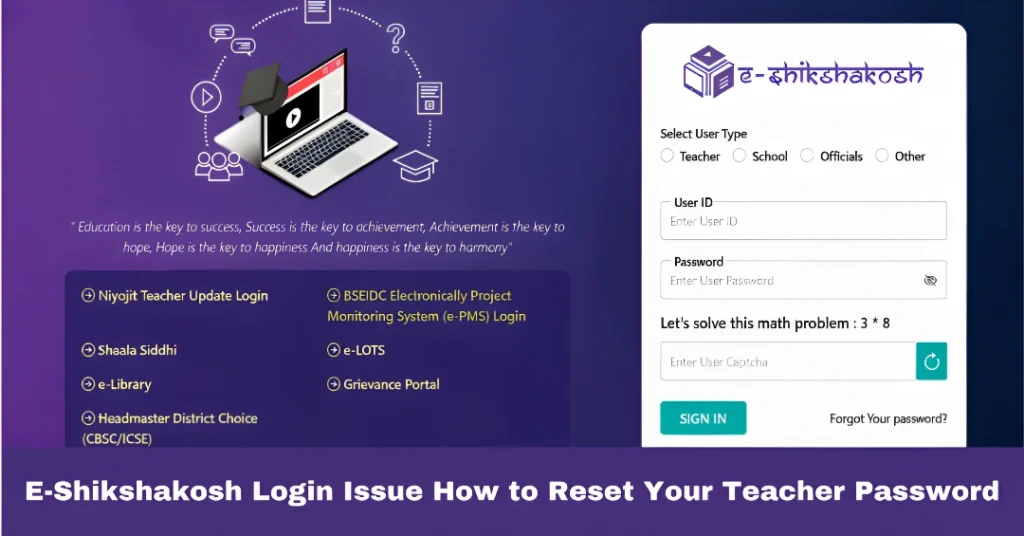
Open a web browser (Chrome, Firefox, etc.) and go to the official E-Shikshakosh login page.
On the login form, look for a link/button like “Forgot Password” (or similar).
Click “Forgot Password.” You’ll likely be asked to enter your registered User ID (or Teacher ID) and maybe a mobile number or email tied to your account.
Once you submit, the portal will usually send an OTP (one-time code) or a reset link to your registered number/email.
Enter the OTP or follow the reset link. Then choose a new strong password — something easy for you to remember, but hard for others to guess. Avoid common words, maybe mix letters + numbers.
Save the new password and try logging in again. Make sure Caps Lock is OFF, and you typed exactly (no extra spaces).
If you follow these steps carefully, many login problems get solved.
Tips to Avoid Future Login Issues
Write down or safely store your new password somewhere private (or use a password manager).
Avoid using public/shared computers or public Wi-Fi when logging in. For security, always log out after use.
If you suspect your account is locked or still can’t login even after reset — contact your school admin or the support helpline. The portal sometimes locks accounts after repeated wrong attempts.
Keep your browser updated. Sometimes old browsers or disabled JavaScript can block important parts (like CAPTCHA or reset forms).
What to Do If the OTP or Reset Link Doesn’t Arrive?
Some teachers report that the reset link or OTP doesn’t arrive. In that case:
Double-check your registered mobile number/email — maybe there was a typo.
Check your spam folder if it’s email.
Contact the support team at your school or technical helpline for assistance.
FAQs
Simply go to the login page, click “Forgot Password,” and follow the steps to reset using your registered mobile number or email.
Check your spam folder or verify the email/mobile number you registered. If still not received, contact your school’s admin.
Unfortunately, usernames are generally fixed. You may need to contact your admin for assistance with any changes.
Clear your browser’s cache, try using a different browser, or contact support if the error persists.
Yes, the portal follows standard data protection practices. However, always ensure that your login credentials are kept secure and avoid sharing them.
Final Words
Resetting your password on E-Shikshakosh doesn’t have to be stressful. Most login failures happen because of a forgotten password or a small typo — and a proper reset fixes it quickly.
E-Shikshakosh Helpdesk: Get Assistance for Login Issues 2025 Experiencing login issues with the E-Shikshakosh portal? You’re not alone. Many educators face challenges accessing their accounts due to various reasons such as forgotten credentials, system glitches, or browser incompatibilities. Fortunately, the Bihar Education Project Council (BEPC) has established dedicated support channels to assist you promptly. Contacting…
How to File a Complaint on E-Shikshakosh Grievance Redressal If you’re a government teacher in Bihar facing issues like delayed salary, transfer disputes, harassment, or other administrative problems, the E-Shikshakosh portal offers a streamlined way to file grievances online. This digital system ensures transparency, reduces the need for physical visits, and facilitates quicker resolutions. Step-by-Step…
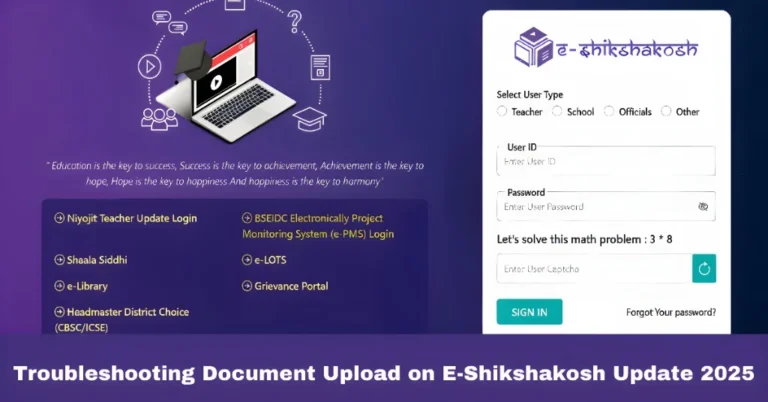
Troubleshooting Document Upload on E-Shikshakosh Update 2025 Hey there! If you’re facing challenges uploading documents on the E-Shikshakosh portal, you’re not alone. Many teachers and education officials face similar problems, and luckily, these issues can often be easily resolved. In this guide, we’ll walk through the most common problems people face when uploading documents and…
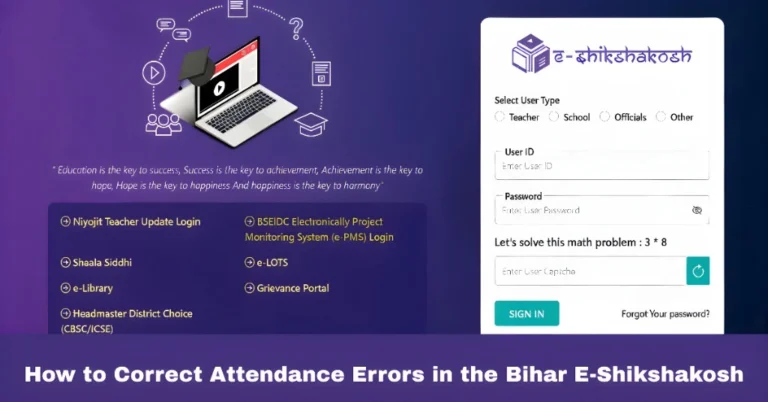
How to Correct Attendance Errors in the Bihar E-Shikshakosh If you’ve noticed discrepancies in your attendance records on the Bihar E-Shikshakosh portal, don’t worry—correcting them is straightforward. Whether it’s a missed punch, incorrect time, or location issues, this guide will walk you through the steps to ensure your attendance data is accurate. Verify Your Location…
E-Shikshakosh Mobile Access & Browser Compatibility |update E-Shikshakosh is a digital platform designed to streamline the education system in Bihar by providing access to various features for teachers, headmasters, and education officers. Whether you’re accessing it through the mobile app or a web browser, understanding how to use the platform efficiently is key. In this…
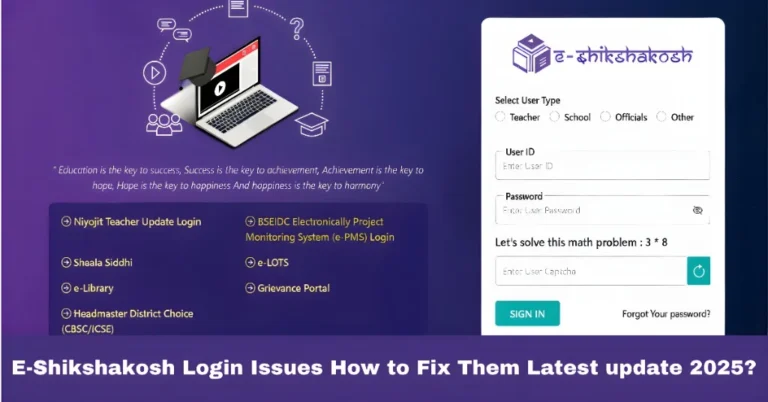
E-Shikshakosh Login Issues How to Fix Them Latest update 2025? If you’re a teacher, headmaster, or educational official in Bihar using the E-Shikshakosh portal, you know how important it is to have seamless access to your account. Whether you’re managing school data, attendance, or engaging with educational programs, logging into the portal should be easy….