E-Shikshakosh Mobile Access & Browser Compatibility |update
E-Shikshakosh Mobile Access & Browser Compatibility |update
E-Shikshakosh is a digital platform designed to streamline the education system in Bihar by providing access to various features for teachers, headmasters, and education officers. Whether you’re accessing it through the mobile app or a web browser, understanding how to use the platform efficiently is key. In this guide, we’ll walk you through everything you need to know about accessing E-Shikshakosh on mobile devices and browsers, offering useful tips and troubleshooting advice to ensure a smooth experience.
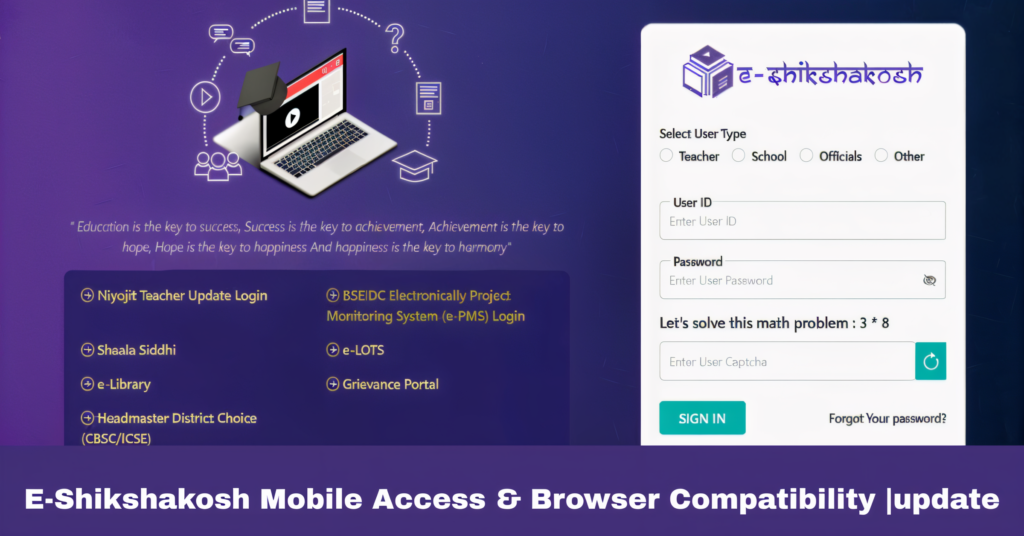
How to Access E-Shikshakosh on Mobile
E-Shikshakosh offers a mobile app that is available for Android users, helping educators stay connected and manage tasks like attendance, student progress tracking, and school inspections while on the go.
Visit the Google Play Store and search for E-Shikshakosh.
Tap on Install and wait for the app to download.
Once installed, open the app and log in using your credentials.
Teacher Attendance: Mark attendance using GPS and facial recognition.
Student Performance Tracking: Monitor student progress in real time.
School Inspections: Conduct inspections at schools across Bihar.
Nearby Schools: Find and view nearby government schools.
Note: iOS support is expected in late 2025, so Android users currently have access to the app.
Browser Compatibility for E-Shikshakosh Portal
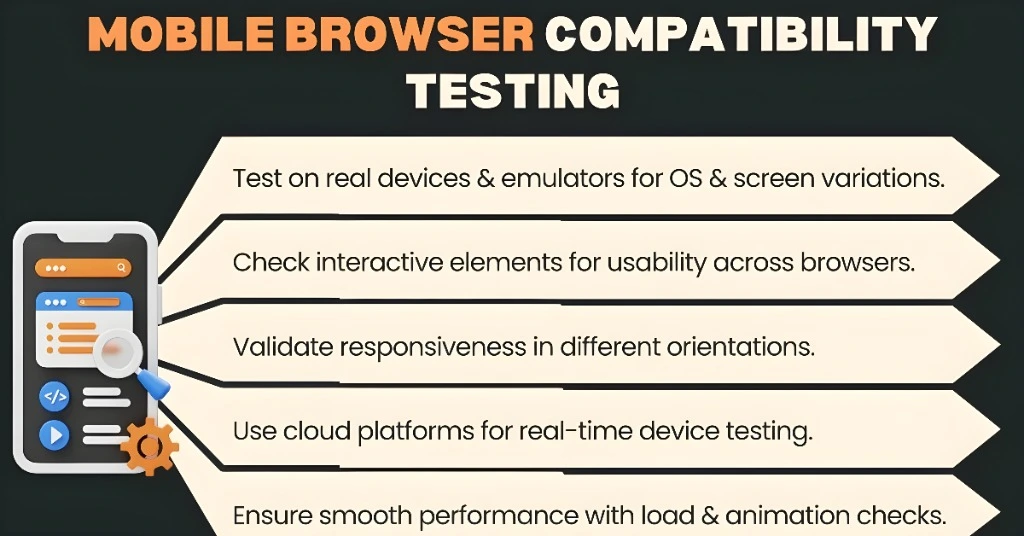
If you’re accessing E-Shikshakosh from a web browser, ensure that you are using the correct browser and settings for optimal performance.
Google Chrome
Mozilla Firefox
Microsoft Edge
Enable JavaScript and cookies for smooth access.
Ensure that pop-ups are allowed on the E-Shikshakosh portal.
Use the latest version of your chosen browser for the best experience.
These browsers offer the best compatibility with the E-Shikshakosh platform, helping avoid issues like slow load times or errors during usage.
Tips for a Smooth E-Shikshakosh Experience
Ensure that the mobile app is up-to-date. This allows you to access the latest features and bug fixes.
A strong internet connection is essential to avoid disruptions, especially when syncing data. Using Wi-Fi may offer better stability compared to mobile data.
Android: Version 9.0 or higher, 2GB RAM, 100MB storage.
iOS: Future iOS support is planned, with the app expected to be available by Q4 2025.
Troubleshooting E-Shikshakosh Issues
Even though E-Shikshakosh is designed to be user-friendly, you might run into issues from time to time. Here’s how to troubleshoot common problems:
Clear the app’s cache, or try uninstalling and reinstalling it to fix any glitches.
Ensure that your device has enough storage and that the app is updated to the latest version. If the problem persists, restart the app or your device.
Login Problems:
Double-check your login credentials and ensure you’re using the correct mobile number or teacher ID. A weak internet connection can also affect login functionality.
Make sure pop-up blockers are disabled, and you have sufficient storage space to download reports or other files.
Accessing E-Shikshakosh for Multiple Users
E-Shikshakosh is not just for individual teachers; it’s also designed to accommodate various users across different educational levels. Whether you are a teacher, headmaster, or education officer, the platform allows each role to access different features based on permission levels.
Teachers can use the platform for managing attendance, tracking student performance, and accessing teaching resources.
Headmasters can monitor attendance data, track teacher performance, and oversee school operations more efficiently.
Education officers can evaluate school performance, conduct inspections, and generate reports for government use.
This multi-user feature ensures that E-Shikshakosh caters to the needs of all educational stakeholders.
Getting Help with E-Shikshakosh
If you need assistance or face ongoing issues:
- Help Desk: Reach out to the official E-Shikshakosh help desk at 9523300520.
- Email Support: You can email help@eshikshakosh.gov.in for further assistance.
FAQs
Final Words
Accessing E-Shikshakosh via mobile or a browser is simple, but understanding how to ensure compatibility and troubleshoot issues can make your experience even smoother. By keeping your devices updated, ensuring a stable internet connection, and using the recommended browsers or devices, you can make the most out of the platform’s features. Whether you are managing teacher attendance, student progress, or school inspections, E-Shikshakosh is here to make educational management in Bihar more efficient.