Update Mobile Number on E-Shikshakosh Latest update 2025
Update Mobile Number on E-Shikshakosh Latest update 2025
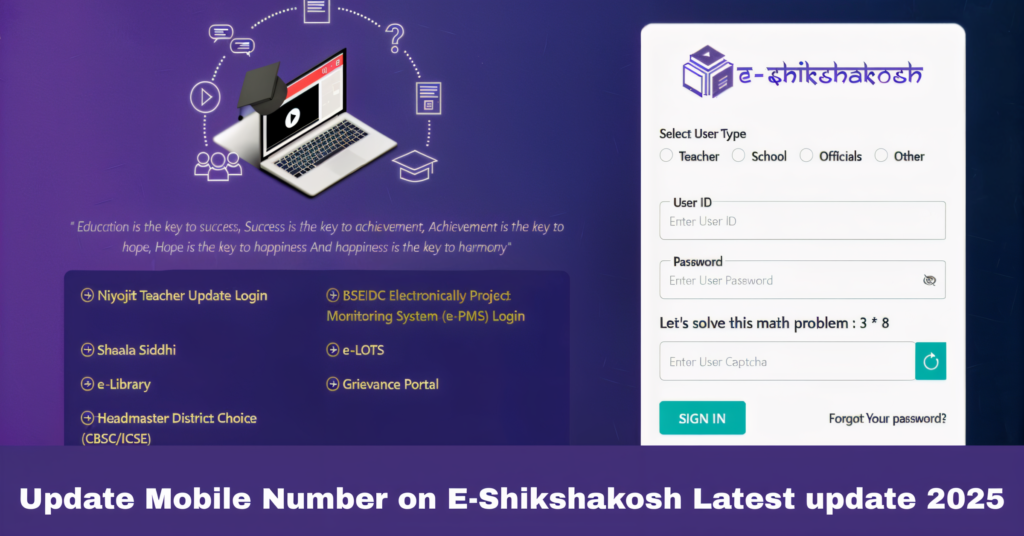
Updating your mobile number on the E-Shikshakosh portal is an essential task for ensuring smooth communication. Your mobile number is used for receiving important notifications, OTPs for login, and updates regarding attendance, leave requests, and salary details. If you’ve recently changed your phone number or need to update it for any reason, follow this simple step-by-step guide to make sure your contact details are current.
Why It’s Important to Update Your Mobile Number
Updating your mobile number ensures that you:
Receive timely notifications about your attendance, leave status, and other important updates.
Get OTPs for login and other verification processes, ensuring the security of your account.
Maintain accurate contact information for official communication with the school or education department.
Step-by-Step Guide to Update Your Mobile Number on E-Shikshakosh
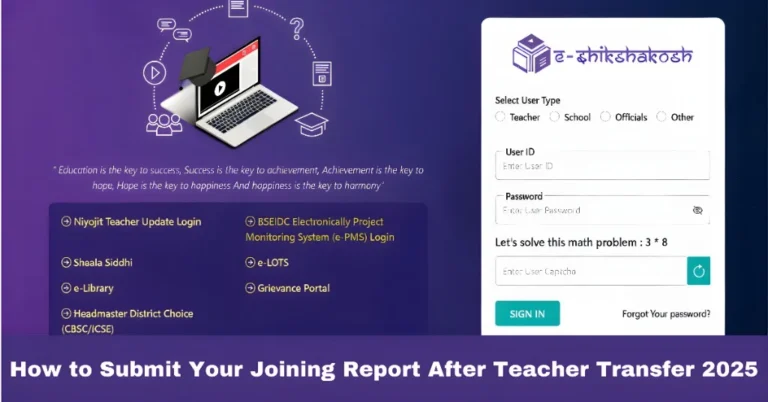
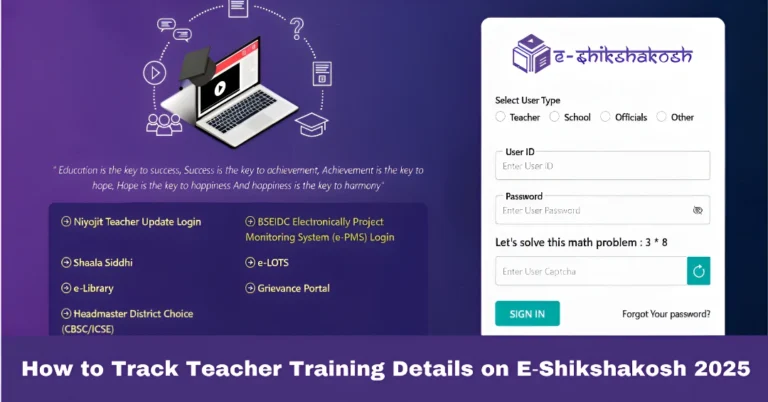
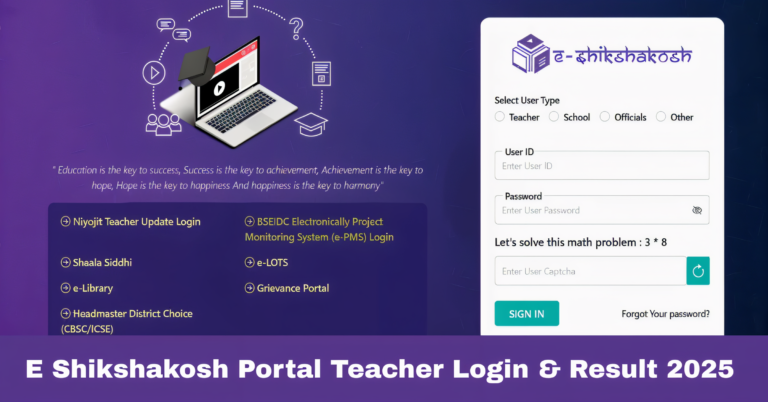
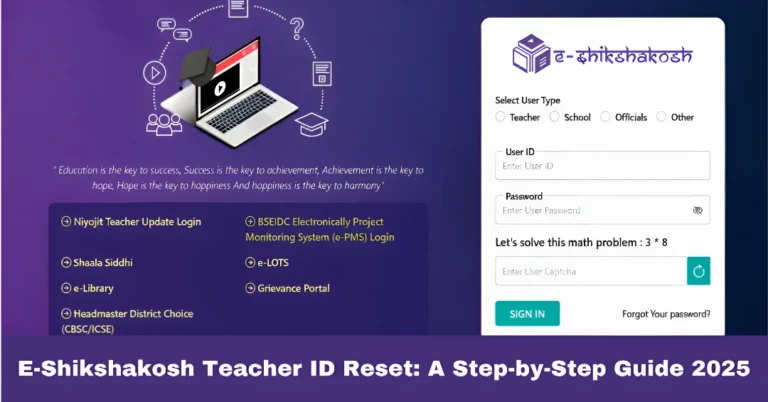
Begin by logging into the E-Shikshakosh portal using your teacher credentials. Ensure that you have your username and password ready to access your account.
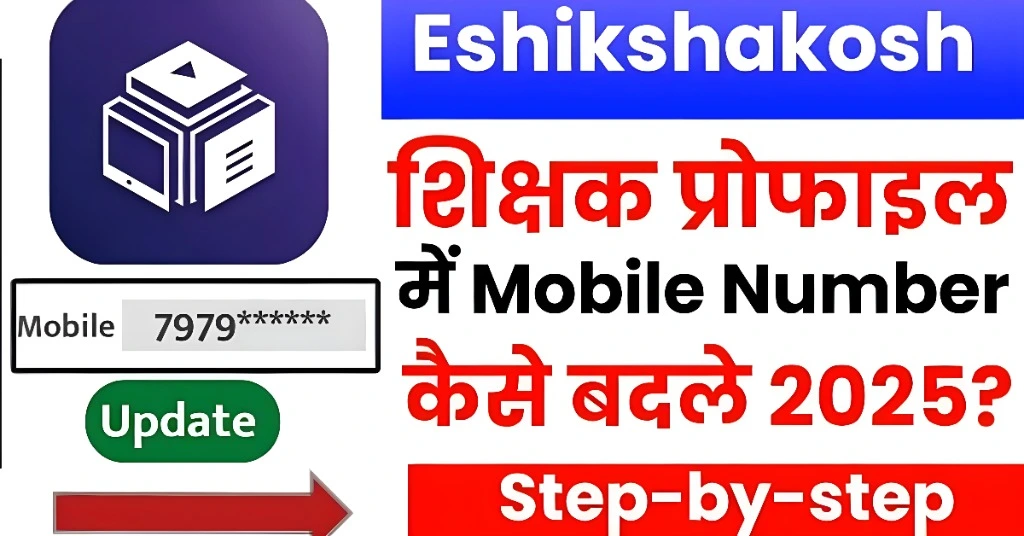
Once logged in, go to the Profile section where all your personal details are stored. This section allows you to view and update various information such as your name, contact details, and appointment status.
Look for the option that allows you to update your mobile number. This could be labeled as “Edit Profile” or “Update Contact Details”, depending on the portal’s current layout.
In the section where your mobile number is listed, enter your new phone number. Make sure that the number is correct, as it will be used for future communications and OTP verifications.
After entering the new mobile number, the portal will likely send a One-Time Password (OTP) to that number for verification. Enter the OTP in the required field to confirm that the number is active and under your control.
Once the OTP is verified, save the changes to update your mobile number. You may receive a notification confirming that your contact details have been successfully updated.
What to Do If You Don’t Have Access to Your Old Mobile Number
If you no longer have access to the mobile number that’s registered with the portal, follow these steps:
Contact Your School Principal: Inform your school principal about the issue and provide them with your new number.
Request a Mobile Number Update: The principal will escalate the request to the District Education Officer (DEO) for approval and update.
Submit Required Documents: In some cases, you might need to submit additional documents, such as an identity proof or a written request, to complete the update.
Troubleshooting Common Mobile Number Update Problems
While updating your mobile number is usually a straightforward process, you might encounter some common issues:
Incorrect OTP: If you’re not receiving the OTP, check your network connection and make sure you’ve entered the correct mobile number. You might also need to disable any pop-up blockers or security apps that may interfere with the process.
Delay in OTP Delivery: Sometimes OTPs may take a few minutes to arrive. If it’s delayed, ensure you have good network coverage or try re-requesting the OTP after a few minutes.
Mobile Number Already Registered: If your new mobile number is already registered in another account, you may need to contact the helpdesk or the District Education Officer to resolve the issue.
Other Important Updates You Should Regularly Make in Your Profile
While updating your mobile number is crucial, there are other important updates that should be made regularly in your E-Shikshakosh profile:
Email Address: Ensure your email address is correct and up-to-date for receiving important notifications and alerts.
Qualification and Appointment Details: Keep your educational qualifications and employment status updated to avoid any discrepancies in official records.
Emergency Contact Details: Ensure that the emergency contact information is also updated for quick access in case of urgent situations.
FAQs
Final Words
Keeping your mobile number up to date on the E-Shikshakosh portal is essential for seamless communication and easy access to important notifications. By following this simple guide, you can quickly and efficiently update your contact details. If you encounter any issues, don’t hesitate to reach out to your school principal or the District Education Officer for further assistance.