Solving Location Detection Problems on E-Shikshakosh 2025
Solving Location Detection Problems on E-Shikshakosh 2025
The E-Shikshakosh portal is a crucial tool for managing attendance and school data in Bihar. However, one of the most common issues users face is location detection errors while marking attendance. Without proper location detection, attendance marking becomes a hassle for teachers and leads to data discrepancies. In this article, we’ll explore the causes of these issues and how to solve them efficiently.
Check Your GPS Settings
Issue: The E-Shikshakosh portal relies on GPS data to verify the user’s location while marking attendance. If the GPS is turned off or not configured properly, location detection fails.
Solution:
Ensure GPS is enabled: Check your device’s settings and make sure that GPS or location services are turned on.
Grant Location Permissions: Make sure the browser or the E-Shikshakosh app has permission to access your location. Without this, the portal won’t be able to detect your location.
Clear Browser Cache and Cookies
Issue: Stored cache and cookies in your browser can sometimes interfere with location detection, causing the system to not recognize your exact position.
Solution:
- Clear Cache and Cookies: Go to your browser settings and clear the cache and cookies. This can help reset the system and resolve any issues caused by old data.
- Restart the Browser: After clearing the cache, restart your browser to apply the changes.
Ensure an Active Internet Connection
Issue: A weak or unstable internet connection can also affect the GPS functionality and prevent accurate location detection.
Solution:
Check Your Connection: Ensure that your device has a stable and strong internet connection.
Switch Networks if Needed: If you’re using mobile data, try switching to Wi-Fi or vice versa for a better connection.
Update the E-Shikshakosh App or Browser
Issue: Using an outdated version of the E-Shikshakosh app or your browser can sometimes cause issues with location services.
Solution:
Update the App: If you’re using the E-Shikshakosh mobile app, ensure it is updated to the latest version available in your app store.
Use an Updated Browser: Ensure you are using the latest version of browsers like Chrome or Firefox for better compatibility with the location detection feature.
Restart the Device
Issue: Sometimes, the device itself may be causing issues with location detection, especially if other apps or services are using GPS simultaneously.
Solution:
- Restart Your Device: A simple restart can often fix temporary glitches in the GPS system, allowing E-Shikshakosh to detect your location correctly.
Check for Device-Specific Issues
Issue: Certain devices may have issues with location detection, especially if they are older models or have hardware limitations.
Solution:
- Test with Another Device: If possible, try using a different device to see if the issue persists. If the problem is specific to one device, it may require software updates or hardware troubleshooting.
Manually Enter Location (If Applicable)
Issue: In some cases, the system may not be able to automatically detect your location due to external factors like low GPS signal or device malfunction.
Solution:
- Enter the Location Manually: Some versions of the E-Shikshakosh portal allow you to manually enter your location if GPS detection fails. Check if this option is available and input the details manually.
Tips for Smooth Location Detection
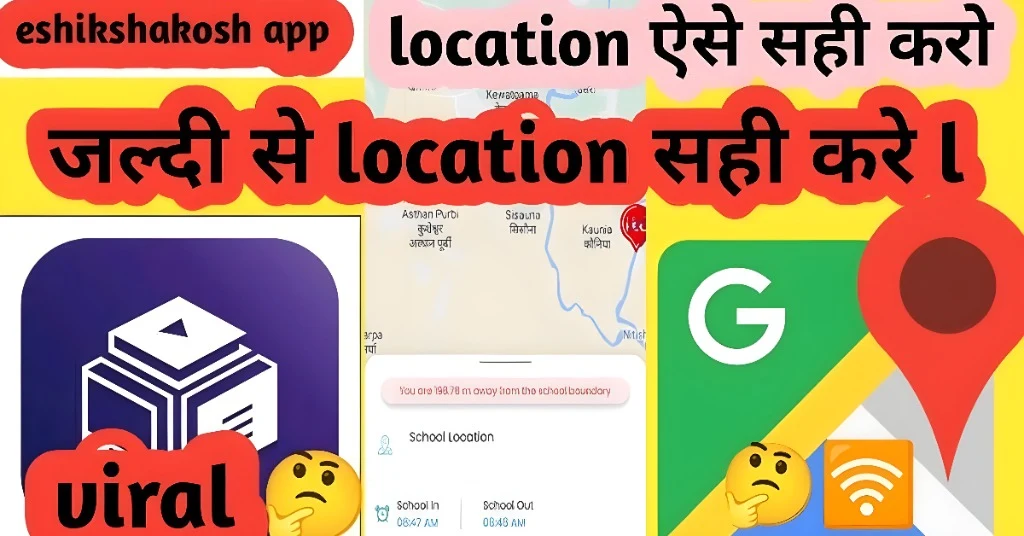
Always keep your device and apps updated to ensure smooth functionality and avoid common glitches.
If the device time is incorrect, it may affect the accuracy of location services. Make sure the date and time settings are correct on your device.
If you’re using other location-based apps while trying to mark attendance, they may interfere with the GPS signal. Close unnecessary apps when using E-Shikshakosh.
FAQs
Final Words
Location detection is a critical part of using the E-Shikshakosh portal for attendance marking. By following the steps above, you can resolve most location-related issues quickly and efficiently. Always ensure your GPS is enabled, your internet connection is stable, and your apps are updated. If problems continue, don’t hesitate to contact the support team for further assistance.