Enrolling Students Without Aadhaar on E-Shikshakosh 2025
Enrolling Students Without Aadhaar on E-Shikshakosh 2025
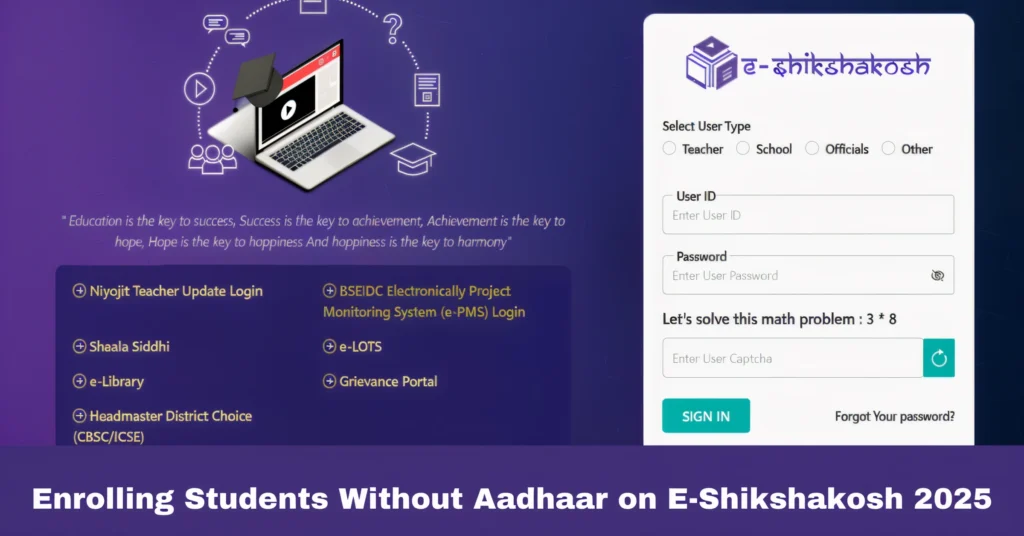
E-Shikshakosh is a digital platform that simplifies administrative tasks for teachers and school officials in Bihar. One of its core functions is student enrollment, which typically requires an Aadhaar card for identification. However, not all students have an Aadhaar card, which can create barriers to enrollment. In this guide, we’ll show you how to enroll students on E-Shikshakosh without an Aadhaar card.
Understand the Enrollment Process Without Aadhaar
Issue: E-Shikshakosh generally asks for an Aadhaar card to register students. However, some students may not have an Aadhaar card due to various reasons such as age, lack of access, or other personal circumstances.
Solution:
If a student does not have an Aadhaar card, you can still proceed with enrollment by following alternative methods.
E-Shikshakosh provides an option for manual entry or linking the student’s data with a different form of identity.
Manual Data Entry
Issue: If Aadhaar is unavailable, the system may prevent direct enrollment.
Solution:
- In the absence of an Aadhaar number, you can manually input the student’s details such as name, age, and other necessary information.
- Be sure to provide any alternate identification numbers that may be required by the system, such as a school ID or a local government-issued ID.
Use the “No Aadhaar” Option
Issue: Sometimes, the system does not clearly show how to enroll a student without Aadhaar.
Solution:
When entering the student’s details, look for an option labeled “No Aadhaar” or “Aadhaar Not Available.” Selecting this will allow you to bypass the Aadhaar requirement and continue the enrollment process.
Follow any additional prompts that may ask for alternate identification or other documents.
Consult School Administrators
Issue: In some cases, schools may have specific procedures for enrolling students without Aadhaar, especially for new admissions.
Solution:
- If you’re facing difficulties, check with your school administration for guidance. They may have a centralized system for handling students without Aadhaar or instructions for manual enrollment.
- Ensure that the student’s information is correctly recorded in the school’s internal database to prevent issues later on.
Verify Student Identity Using Alternative Documents
Issue: The system might require a valid form of identification for students who don’t have Aadhaar.
Solution:
You can use alternative documents to verify the student’s identity, such as a birth certificate, school ID, or any other local government-issued identity proof.
Make sure the documents are up-to-date and valid before submitting them.
Tips for Smooth Enrollment Without Aadhaar
The portal is regularly updated to address issues like this. Make sure you have the latest version of the app or browser to ensure smooth enrollment.
Gather all relevant documents, including school IDs and any alternative identity proofs, before starting the enrollment process.
If you face persistent issues, don’t hesitate to reach out to the E-Shikshakosh helpdesk or support team for assistance.
FAQs
Final Words
Enrolling students on E-Shikshakosh without Aadhaar may seem challenging at first, but the process is simple once you understand the steps. By following the solutions above, you can ensure that students who don’t have Aadhaar are still successfully enrolled in the system.