Efficient Use of E-Shikshakosh for Teachers & Schools 2025
Efficient Use of E-Shikshakosh for Teachers & Schools 2025
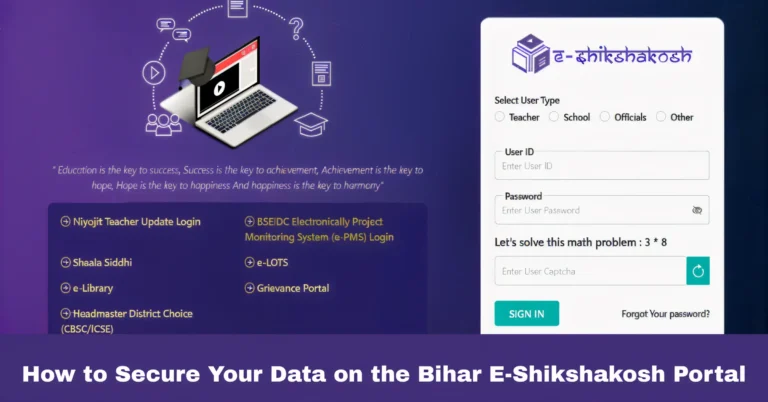
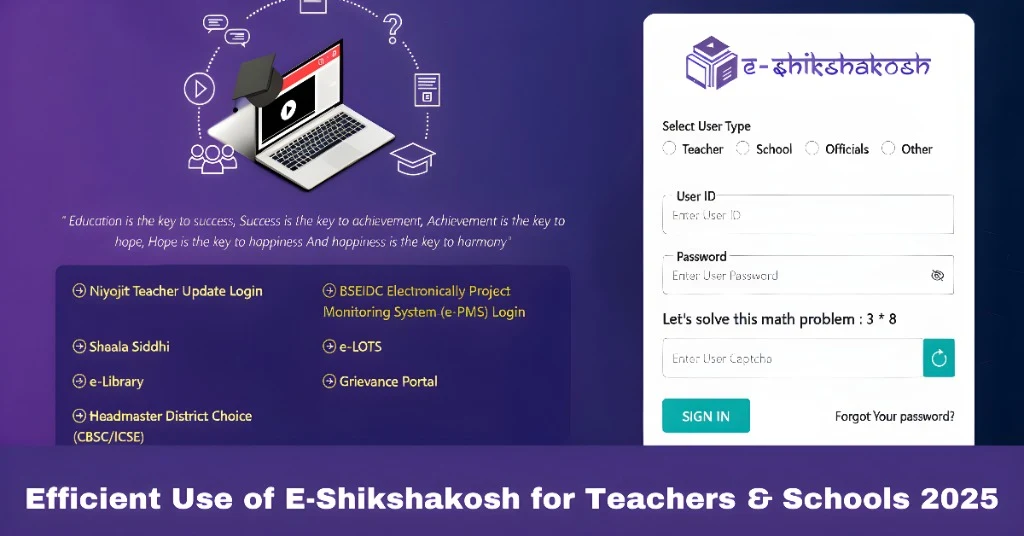
E-Shikshakosh is an essential digital platform that streamlines various educational and administrative tasks for teachers and school officials in Bihar. By offering a range of tools for managing attendance, exams, resources, and more, it simplifies workflows and enhances productivity. In this article, we’ll explore how teachers and schools can efficiently use the E-Shikshakosh portal to make daily tasks easier and more organized.
Streamlining Attendance Management
How it Helps: E-Shikshakosh offers an efficient system for tracking student attendance, which is crucial for both teachers and school administrators. The portal uses GPS to ensure that attendance is marked accurately and that it’s linked to the student’s location.
Tips for Efficient Use:
Mark Attendance Regularly: Make it a habit to mark attendance daily to avoid backlogs.
Use GPS Features: Ensure your device’s GPS is enabled to make location-based attendance recording easy and accurate.
Track Attendance Records: Regularly check the Attendance Reports section to monitor trends and make data-driven decisions for student management.
Access to Exam Resources & Preparation
How it Helps: Teachers and students can easily access exam resources, including sample papers, past papers, and other study materials, through the portal. This can help in exam preparation and ensuring that students are ready for upcoming assessments.
Tips for Efficient Use:
Download exam papers and study materials ahead of time so that they are ready for use when needed.
With the E-Shikshakosh app, you can quickly download and view exam materials on the go.
Teachers can share downloaded exam papers with students to assist in their preparation.
Managing Student Data
How it Helps: E-Shikshakosh allows teachers and school administrators to store and manage student data effectively, including personal details, academic records, and attendance.
Tips for Efficient Use:
Update Data Regularly: Make sure student records are up to date, especially after changes like new enrollments, withdrawals, or any other important updates.
Use Reports to Analyze Data: Take advantage of the Reports section to analyze student attendance patterns and academic performance.
Organize Data by Class or Subject: Keep student data organized by class and subject to ensure that you can easily access it whenever needed.
Grievance Management for Teachers and Staff
How it Helps: E-Shikshakosh allows teachers and school officials to register grievances related to system issues, technical glitches, or any administrative concerns.
Tips for Efficient Use:
If you encounter any issues, don’t hesitate to use the Grievance section to register your complaint. The faster you report, the quicker it can be resolved.
Whenever possible, include screenshots or relevant documents to help explain your grievance more clearly.
Use the Grievance Tracking feature to check the status of your complaint and follow up when necessary
Utilizing Educational Content and Resources
How it Helps: The portal provides teachers with access to a wide variety of educational content, including lesson plans, teaching materials, and videos. This helps in planning and delivering lessons more effectively.
Tips for Efficient Use:
Keep an eye on the Educational Content section for newly uploaded teaching materials that can enhance your lessons.
Choose resources that are appropriate for the specific needs of your students based on their grade level and learning pace.
Make sure students have access to relevant educational content to support their learning outside of class.
Improving Communication Between Teachers and School Authorities
How it Helps: E-Shikshakosh enhances communication within schools by offering easy access to important notices, messages, and updates from school authorities.
Tips for Efficient Use:
Stay Updated: Regularly check notifications from the School Admin section to stay informed about important announcements, events, and policy changes.
Use the Messaging Feature: Use the messaging feature to communicate with other teachers and administrators, share updates, and collaborate on school projects.
Generating Reports for Performance Tracking
How it Helps: The portal offers comprehensive reporting features, allowing teachers to generate and review reports related to student attendance, academic performance, and more.
Tips for Efficient Use:
Generate Custom Reports: Use the reporting feature to create custom reports based on your needs, such as class performance, attendance trends, or exam results.
Use Reports for Parent-Teacher Meetings: Share performance reports with parents during meetings to discuss student progress and areas of improvement.
Tips for Overall Efficient Use of E-Shikshakosh
Stay Organized: Regularly check all sections of the portal to stay on top of updates, resources, and tasks.
Utilize the Mobile App: The E-Shikshakosh app provides mobile access to many features, making it easier to manage tasks on the go.
Regular Training: Stay updated on new features and functionalities through training sessions or portal updates, ensuring you’re using the system to its full potential.
Provide Feedback: If you have suggestions for improving the platform or encounter any issues, make sure to register a grievance so the support team can address them promptly.
FAQs
Final Words
The E-Shikshakosh portal is a valuable resource for teachers and school administrators, helping them manage essential educational tasks more efficiently. By utilizing the platform’s features, you can streamline processes like attendance, exam preparation, resource sharing, and grievance management. With regular use and some of the tips mentioned in this guide, you can maximize the efficiency of E-Shikshakosh and improve your overall educational management experience.