What to Do if E-Shikshakosh Attendance Fails to Submit 2025
What to Do if E-Shikshakosh Attendance Fails to Submit 2025
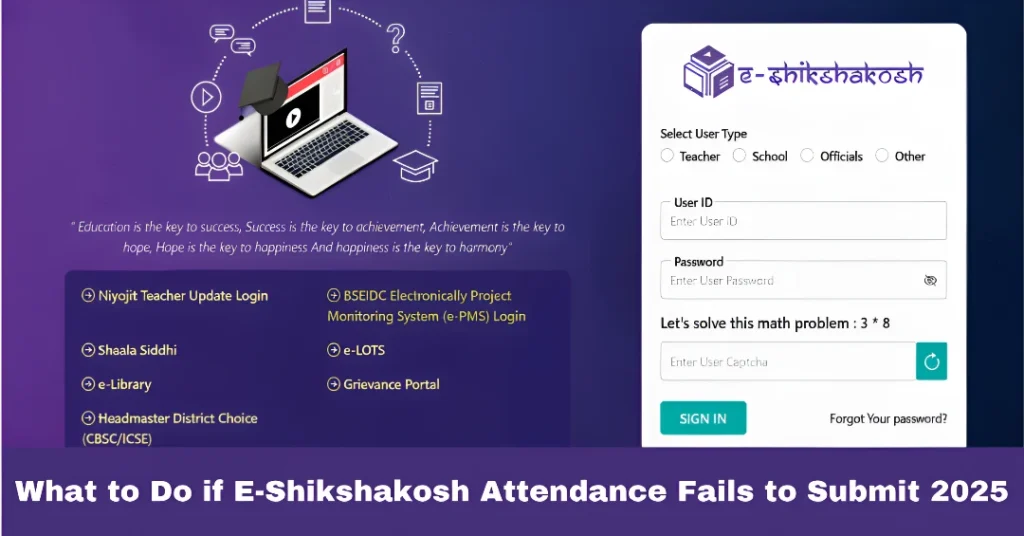
If you’re a teacher in Bihar and facing issues with submitting your attendance on the E-Shikshakosh app, you’re not alone. Many educators have reported challenges such as GPS inaccuracies, app glitches, and connectivity problems. Here’s a practical guide to help you troubleshoot and resolve these issues.
Check Your Location Settings
The E-Shikshakosh app requires you to be within 500 meters of your school to mark attendance. Ensure your device’s GPS is enabled and set to “High accuracy.” If the app shows you’re far from the school even when you’re nearby, try the following:
Refresh GPS: Open Google Maps to allow your device to recalibrate its location.
Restart the App: Close and reopen the E-Shikshakosh app to reset its location tracking.
You can also read:How to Resolve E-Shikshakosh Location Detection Issues 2025
Update the App
An outdated app can cause functionality issues. To update:
Android Users: Visit the Google Play Store, search for “E-Shikshakosh,” and tap “Update.”
iOS Users: Open the App Store, go to “Updates,” and update the app if a new version is available.
Clear Cache and Data
Clearing the app’s cache and data can resolve performance issues:
- Android Devices:
Ensure a Stable Internet Connection
A weak or unstable internet connection can prevent attendance submission. To improve connectivity:
Switch Networks: If you’re on mobile data, try connecting to a stable Wi-Fi network, or vice versa.
Reposition: Move to an area with better network coverage, especially if you’re in a building with poor signal reception.
Restart Your Device
Sometimes, a simple restart can fix underlying issues:
Power off your device, wait for a few seconds, and then power it back on.
Open the E-Shikshakosh app and try marking your attendance again.
Check for Server Downtime or Maintenance
At times, the issue may not be with your device or app but with the E-Shikshakosh servers. The app could be undergoing maintenance or experiencing downtime, which can affect attendance submission.
Visit the official website or check your inbox for notifications from the school authorities about any ongoing maintenance or technical issues.
Wait for a few hours and try again. Sometimes, server problems are temporary.
Report the Issue to Your School Administration
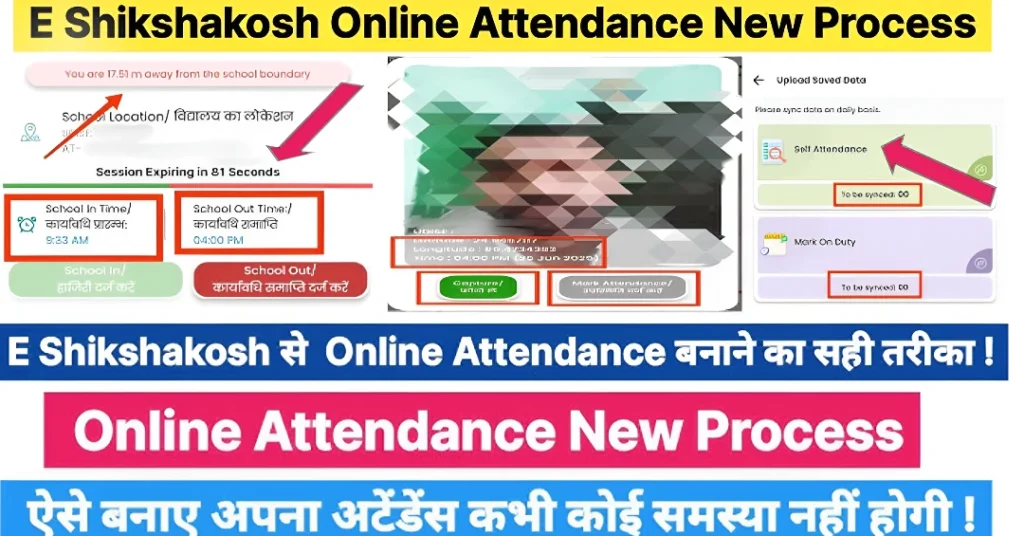
If the problem persists and you cannot submit your attendance, inform your headmaster or school administration. They may be able to:
Manually mark your attendance.
Notify the technical team about the issue to ensure it gets fixed for others.
FAQs
Final Words
While the E-Shikshakosh app aims to streamline attendance tracking, technical glitches can sometimes hinder its effectiveness. By following the steps above, you can troubleshoot and resolve common issues. Remember, if problems persist, don’t hesitate to seek assistance from the helpdesk or your school administration. Your timely attendance is crucial for both your records and the school’s operations. Stay proactive, and you’ll ensure a smooth experience with the app!