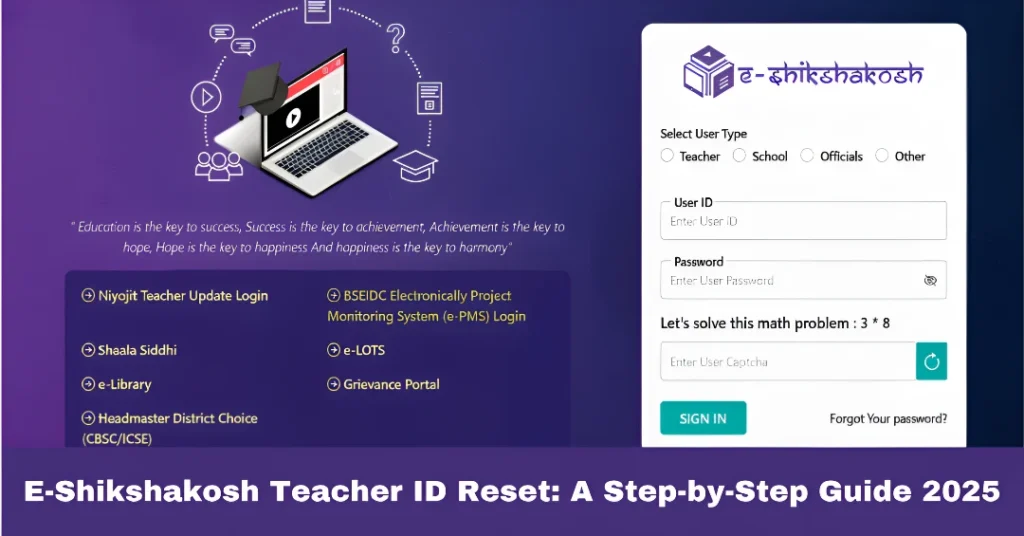
E-Shikshakosh Teacher ID Reset: A Step-by-Step Guide 2025
E-Shikshakosh Teacher ID Reset: A Step-by-Step Guide 2025
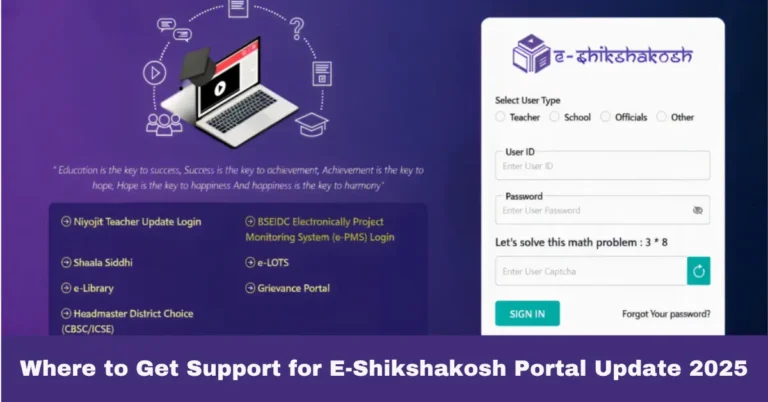
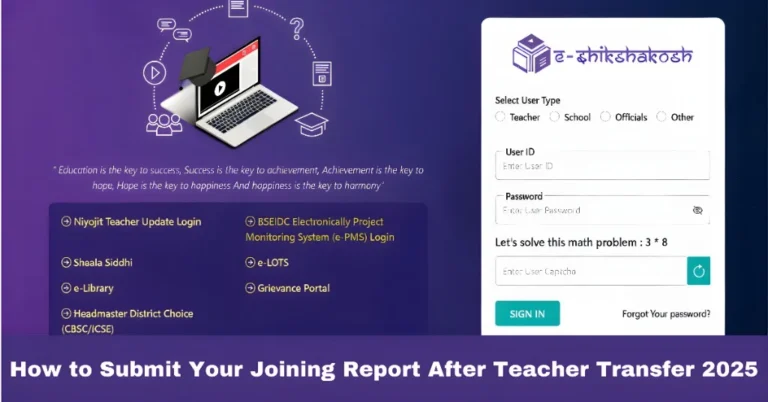
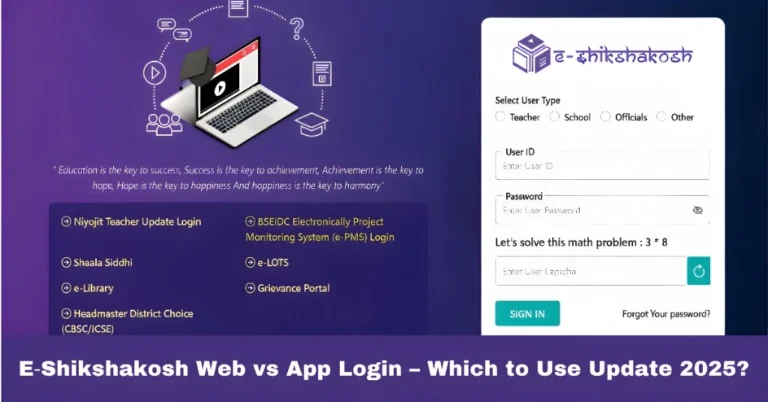
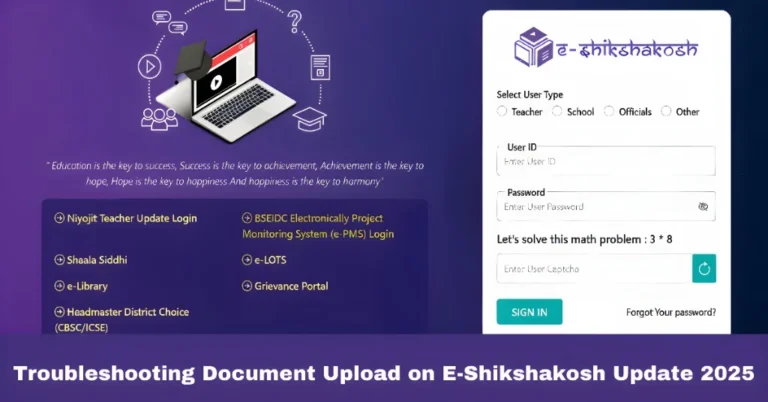
For teachers using the E-Shikshakosh portal, having access to your Teacher ID is essential for managing your professional details, marking attendance, and more. If you’ve forgotten your Teacher ID or need to reset it, don’t worry—it’s a simple process. This guide will walk you through the steps to recover your ID and ensure you have access to all the features of the portal.
Contact Your School Principal
Your school principal is the key person responsible for assisting with Teacher ID resets. Since they have access to the school’s administrative system, they can help you recover or reset your ID.
Steps:
Reach Out: Inform your principal about the issue and ask for assistance.
Provide Information: Share your full name, date of birth, and any other relevant details to help identify your records.
Request ID Reset: Ask them to reset or retrieve your Teacher ID.
Your principal will either retrieve the Teacher ID from the system or reset it, ensuring you regain access to your account.
You can also read:Why Your School’s Location Isn’t Showing in E-Shikshakosh
Use the “Forgot Your ID?” Feature
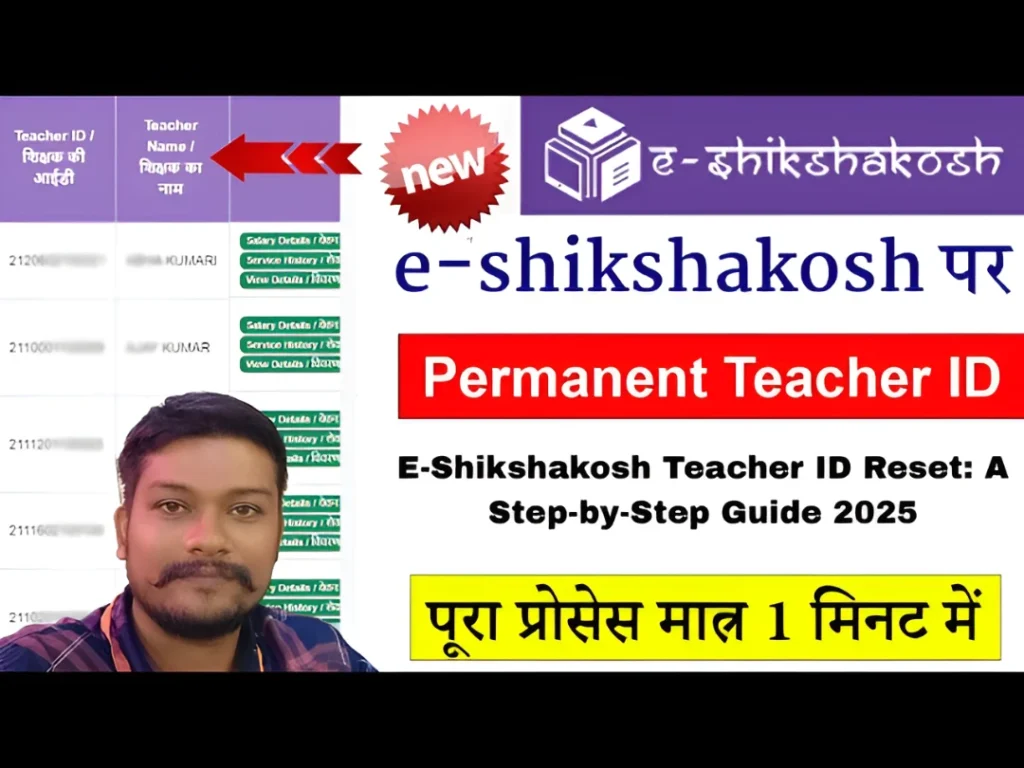
If you can’t get in touch with your principal immediately, you can try using the “Forgot Your ID?” option available on the portal itself. This feature allows you to recover your ID directly from the E-Shikshakosh portal.
Steps:
If the system recognizes your details, it will send your Teacher ID to your registered contact.
Update Your Contact Information
If you’ve changed your contact details (like mobile number or email), it could affect the recovery process. It’s important to keep your contact information updated in the system.
Steps:
- Submit a Request: Write a request to your principal, informing them of the changes in your contact information.
- Provide Proof: Attach documents like a mobile bill or government-issued ID as proof of your new contact details.
- Await Confirmation: Once verified, your principal will update your details in the system.
Seek Assistance from District Education Office (DEO)
If you’re still unable to recover your Teacher ID, the District Education Office (DEO) can assist you further.
Steps:
Contact DEO: Reach out to the DEO office in your district.
Provide Details: Share your full name, school name, and other identifying information.
Request Assistance: Ask them to help retrieve or reset your Teacher ID.
The DEO may guide you through alternative methods or escalate the issue if needed.
Utilize the E-Shikshakosh Helpdesk
If you’re encountering technical problems or need additional help, the E-Shikshakosh Helpdesk is available for support.
Contact Information:
The helpdesk is a reliable resource if you’re facing difficulties or have questions about your account.
FAQs
Final Words
Regaining access to your E-Shikshakosh Teacher ID is a simple process that ensures you can continue managing your educational responsibilities efficiently. Whether you contact your principal, use the self-recovery option, or reach out to the DEO, help is available. Keep your contact details updated, follow the steps above, and you’ll be back on track in no time. If you still encounter problems, don’t hesitate to reach out to the support team for further assistance.