E‑Shikshakosh Web vs App Login – Which to Use Update 2025?
E‑Shikshakosh Web vs App Login – Which to Use Update 2025?
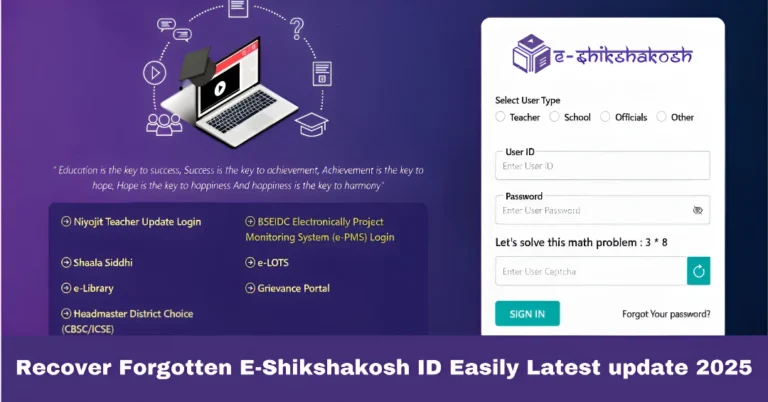
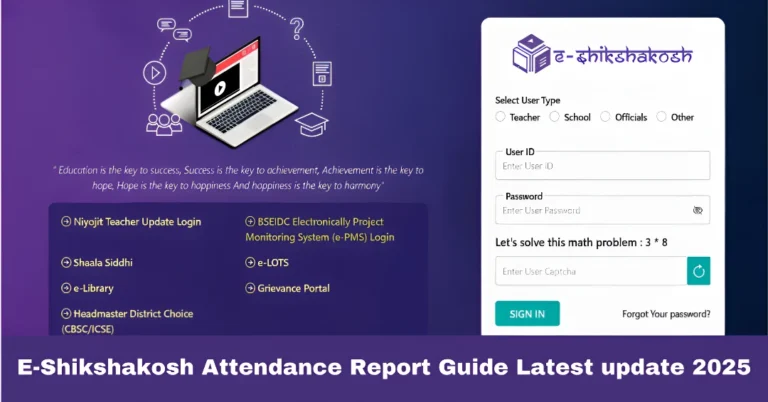
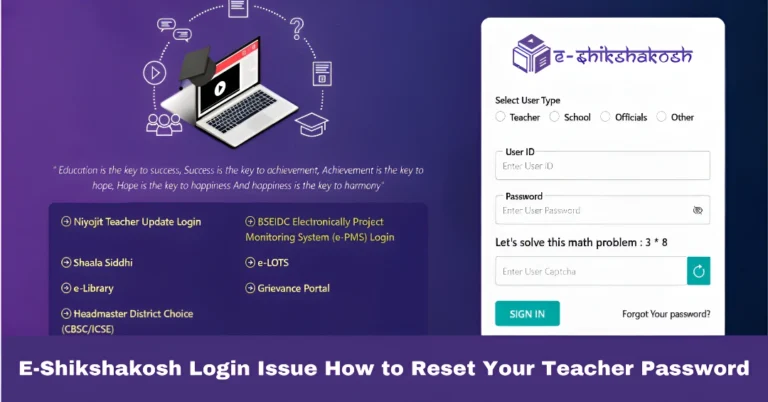
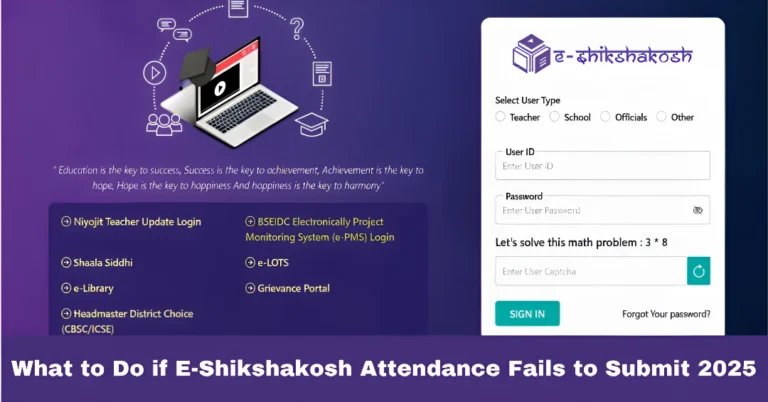
If you’re using the E‑Shikshakosh portal in Bihar as a teacher, head master or school staff, you’ll notice there are two ways to log in: through the web portal and through the mobile app. Each has its advantages and occasional limitations. This article will help you choose which option is right for you — and how to get the most out of both.
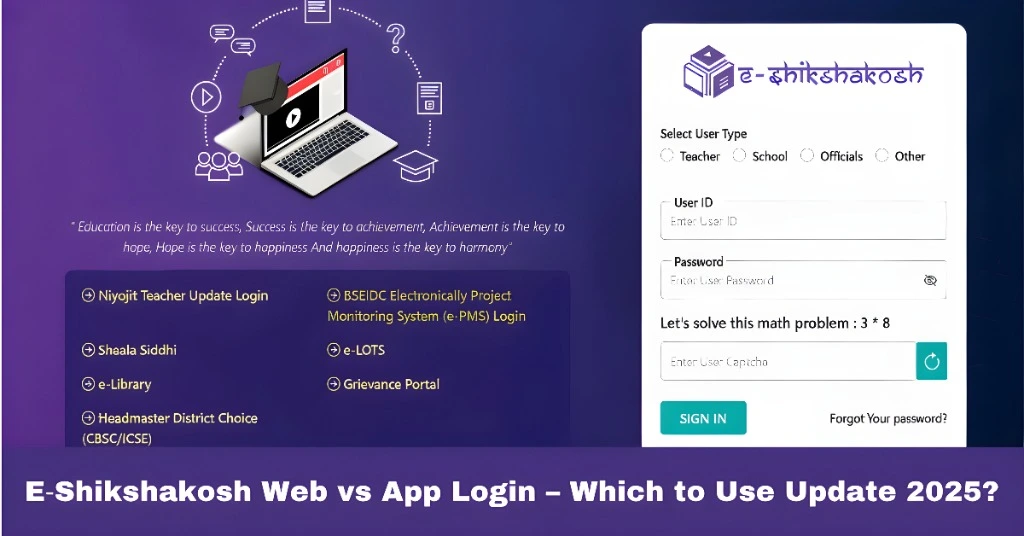
What the Web Portal Offers
Using the web login (via your computer or laptop browser) gives you access to the full feature‑set of E‑Shikshakosh. Some of the key benefits are:
Things to watch out for: If your computer browser is outdated, or your internet is slow, the web experience might lag. Also, you might need to have pop‑ups enabled, or allow certain browser permissions.
You can also read:E-Shikshakosh Privacy & Data Security Explained Update 2025
What the Mobile App Offers
Using the E‑Shikshakosh mobile app (on Android) gives you more flexibility, especially when you’re on the move or don’t have access to a desktop. Benefits include:
Portability: You can mark attendance, check notifications, or view your profile from your phone anytime, even while you’re at the school or away.
Simplified UI: The app is designed for mobile screens — easier for quick tasks like checking your daily attendance or verifying a message.
Offline readiness (sometimes): If your network drops but you have basic connectivity, some tasks may still work better via app than web.
Good for regular teachers who just log in daily, mark attendance, view notices.
Things to watch out for: The app may have limited features compared to the web version (especially for complex uploads or reports). Mobile devices may face GPS, location, or network issues (which many teachers have reported). Also, small screens can make it harder to view detailed tables or large uploads.
Which Should You Use — Web or App?
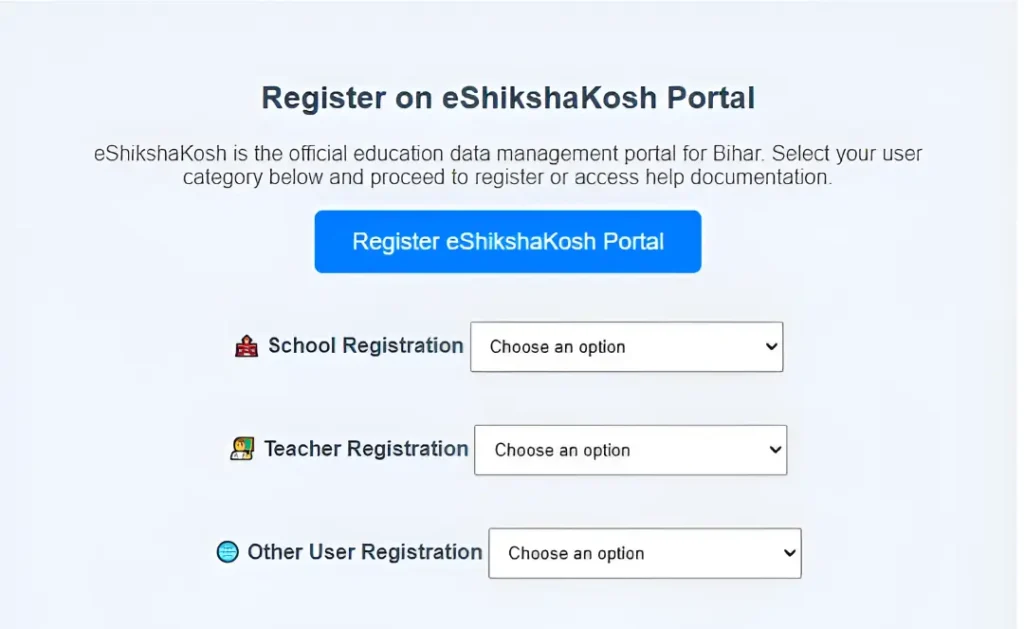
Here’s a quick guide to help you decide:
You’re a teacher doing daily tasks (marking attendance, checking notice, quick profile check) → The mobile app is likely enough and more convenient.
You’re a headmaster or school admin responsible for multiple teachers, school‑level uploads, transfers, reports → Use the web portal for full control and efficiency.
You always have stable PC access and large uploads to handle → Web portal is better.
You’re frequently working from field, using phone, or away from desk → App is handy.
You might find using both works best: Use the app for day‑to‑day checks and the web for heavy lifting when you’re at desk.
Tips to Make Both Login Methods Work Smoothly
FAQs
Final Words
Choosing between the web login and the mobile app for E‑Shikshakosh doesn’t have to be complicated. Think of the app as your on‑the‑go tool, and the web portal as your full‑feature workstation. Use the right tool for the right job. Make sure your credentials work, keep your profile updated, and don’t get stuck when one method fails. With both ready, you’ll be well set to manage your work smoothly and efficiently.