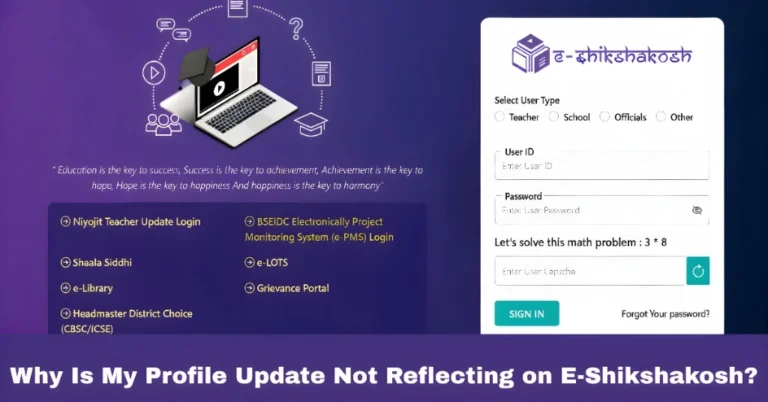
Server Down During Attendance how Protect Your Salary 2025?
Server Down During Attendance how Protect Your Salary 2025?
Imagine this: it’s the end of the school day, and you’re about to mark your attendance on the E‑Shikshakosh app. But, the server crashes, or the app suddenly stops working. This situation is not only frustrating but also worrisome because your salary or leave could be impacted if the attendance isn’t recorded correctly. But don’t panic. If you follow the right steps, you can protect yourself and ensure that your attendance gets recorded, even when the server is down.
Why Does the Server Go Down?
There are several reasons why the E‑Shikshakosh server might go down during the attendance period:
High Traffic: The app can get overloaded with users trying to log in at the same time, especially in the morning when many teachers are marking attendance.
Server Maintenance: Sometimes, the server undergoes scheduled maintenance or unexpected downtime, which can disrupt services like attendance marking.
Internet Connectivity Issues: Your internet connection may be the culprit, even if the server is working fine. A slow or unstable connection can prevent you from submitting your attendance.
App Glitches: The app might face technical glitches, preventing the attendance button from working properly, even if the server is live.
Whatever the reason, you don’t have to worry about your salary being affected if you follow these steps.
You can also read:E‑Shikshakosh Web vs App Login – Which to Use Update 2025?
What to Do When the Server is Down During Attendance?
If the server is down, it’s likely a temporary issue. Wait a few minutes and try again. Servers usually get back online within a short period, especially if the issue is related to high traffic or a small glitch.
Sometimes, the portal might be down for scheduled maintenance. Check the E‑Shikshakosh portal or ask your school admin if there are any updates about system downtime. Scheduled maintenance is usually announced in advance, and you’ll be able to know when to expect the portal back up.
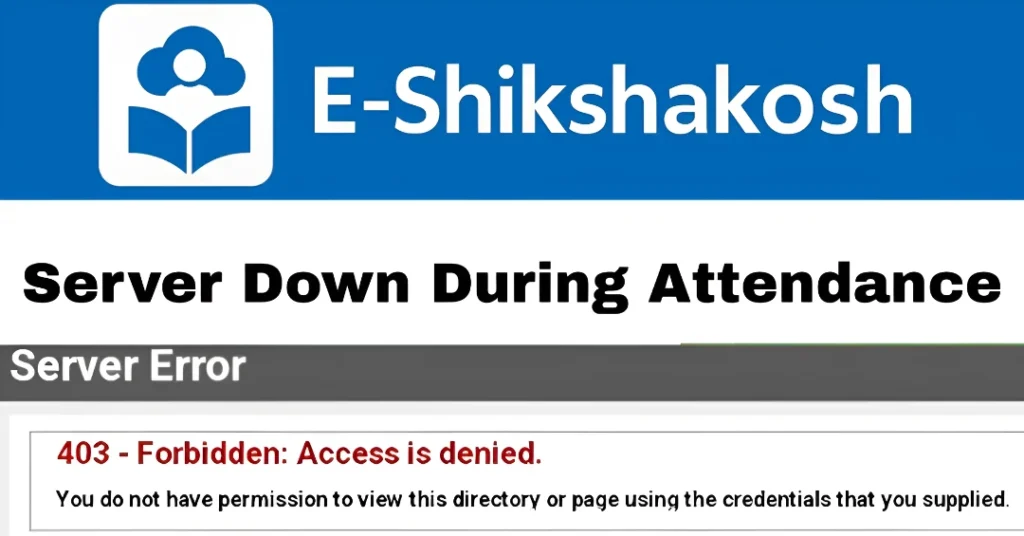
If you tried to mark attendance but the server wasn’t responsive, take a screenshot of the error message, or note the time you attempted to mark attendance. This will serve as proof that you tried to mark attendance on time.
If the server is down for an extended period and you can’t mark attendance, immediately inform your school admin. They will be able to help by either:
Verifying that you attempted to mark your attendance and making a record of the situation.
Submitting a support request or grievance to the E‑Shikshakosh helpdesk.
Some schools may have access to an offline attendance feature in the app, especially when facing server downtime. Check with your school admin if this feature is available to temporarily mark attendance offline, which will sync once the server is back online.
If the issue persists for several hours and you still can’t mark your attendance, use the grievance section on the E‑Shikshakosh portal to escalate the matter. This ensures that your issue is recorded and your attendance is not marked as missed.
How to Protect Your Salary and Leave
Document Your Efforts
As mentioned earlier, take screenshots or keep a record of any errors that occur during your attempt to mark attendance. This evidence can help prevent issues with your salary if your attendance is not recorded due to the server problem.
Submit Proof of Attempt
When informing your school admin, provide them with the screenshots or any documentation showing that you attempted to mark attendance at the right time. The school admin can then forward this proof to the E‑Shikshakosh helpdesk or the concerned authorities, ensuring that your salary is protected.
Keep Track of Your Attendance Logs
If the server downtime occurs regularly or you face this issue often, ask your school admin to monitor the attendance logs and report discrepancies to the education department. This can help you maintain an accurate attendance record even during system downtimes.
Check Your Leave Records
Ensure that your leave records are also updated regularly. If you take a leave, make sure it’s marked correctly and doesn’t affect your attendance negatively. If your leave is not recorded, it can be used as a defense in case your attendance is questioned.
Tips to Avoid Future Attendance Issues
Log in early: Try to mark your attendance as soon as the system opens, to avoid congestion and heavy traffic.
Check the app before school hours: Open the app a few minutes before the start of your school day to ensure there are no issues with login.
Keep your app and phone updated: Regularly update your app to avoid bugs. Also, ensure your phone’s software is up to date to minimize glitches.
Report issues immediately: If you notice a recurring issue with the app or server, report it to your admin right away to resolve it before it affects your attendance.
FAQs
Final Words
When the E‑Shikshakosh server goes down during attendance, it can be stressful, but with the right approach, you can protect your salary and ensure your attendance is properly recorded. By following the steps outlined above—documenting your attempts, notifying your admin, and using the grievance section—you can resolve the issue and prevent any negative impact on your salary or leave. Stay proactive and ensure you follow up promptly to avoid any future issues.