E‑Shikshakosh Helpdesk What Teachers Need to Know 2025?
E‑Shikshakosh Helpdesk What Teachers Need to Know 2025?
As a teacher in Bihar, E‑Shikshakosh is a crucial tool for managing your attendance, service records, transfers, and more. But sometimes, issues arise that you can’t resolve on your own. That’s where the E‑Shikshakosh Helpdesk comes in. If you’re facing login problems, data discrepancies, or technical issues, the helpdesk is your go-to solution. In this article, we’ll explain everything you need to know about the E‑Shikshakosh Helpdesk, including how to contact it, what types of issues it handles, and how to use it effectively.
What is the E‑Shikshakosh Helpdesk?
The E‑Shikshakosh Helpdesk is an official support system provided by the Bihar Education Project Council to assist teachers, headmasters, and other education officials with technical problems and discrepancies related to the E‑Shikshakosh portal. The helpdesk is designed to ensure that teachers can resolve issues efficiently, whether it’s related to:
The helpdesk can either be accessed directly through the portal or through an external grievance section, depending on the nature of the issue.
You can also read:App Crashes While Marking Attendance on E‑Shikshakosh 2025?
How to Access the E‑Shikshakosh Helpdesk
Getting in touch with the E‑Shikshakosh Helpdesk is easy. Here’s how you can access it:
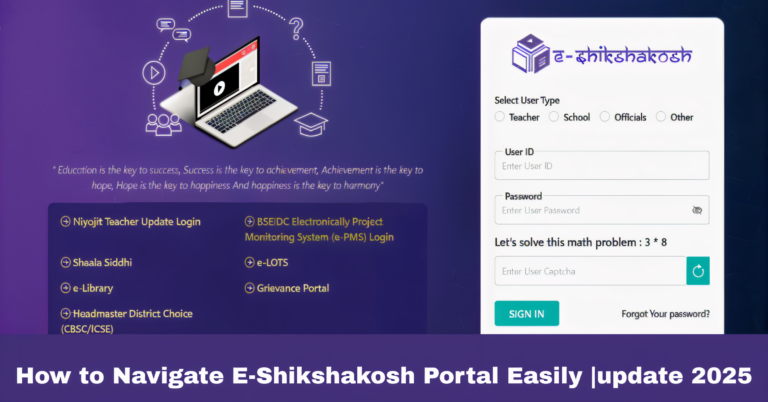
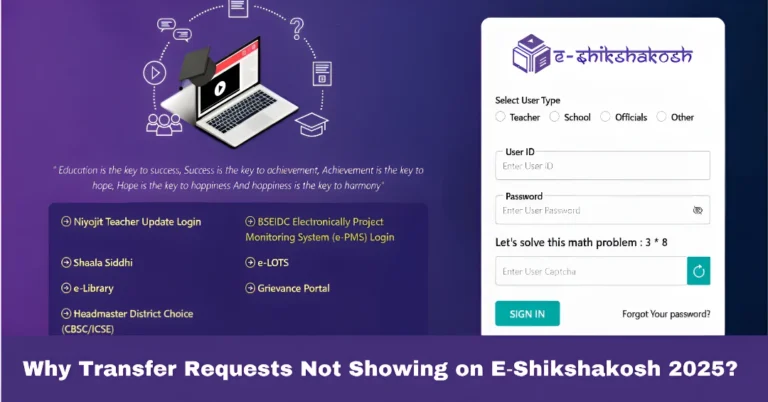
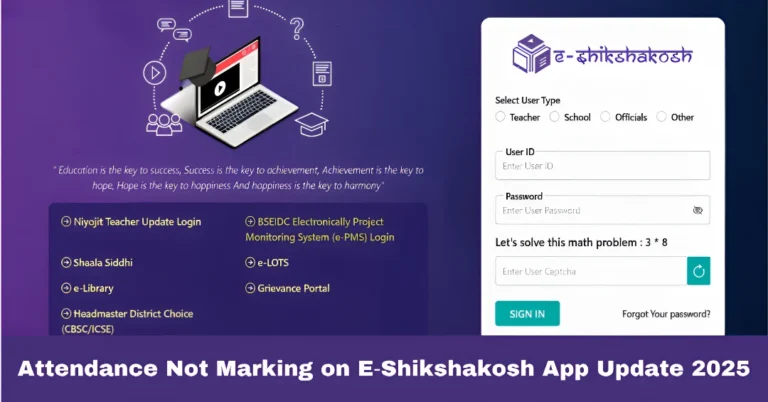
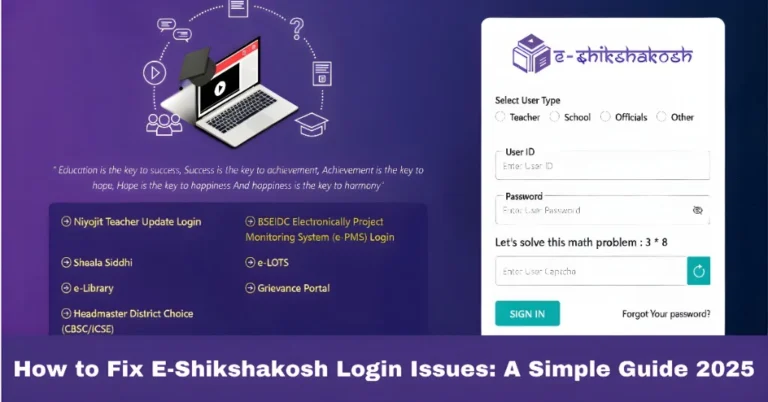
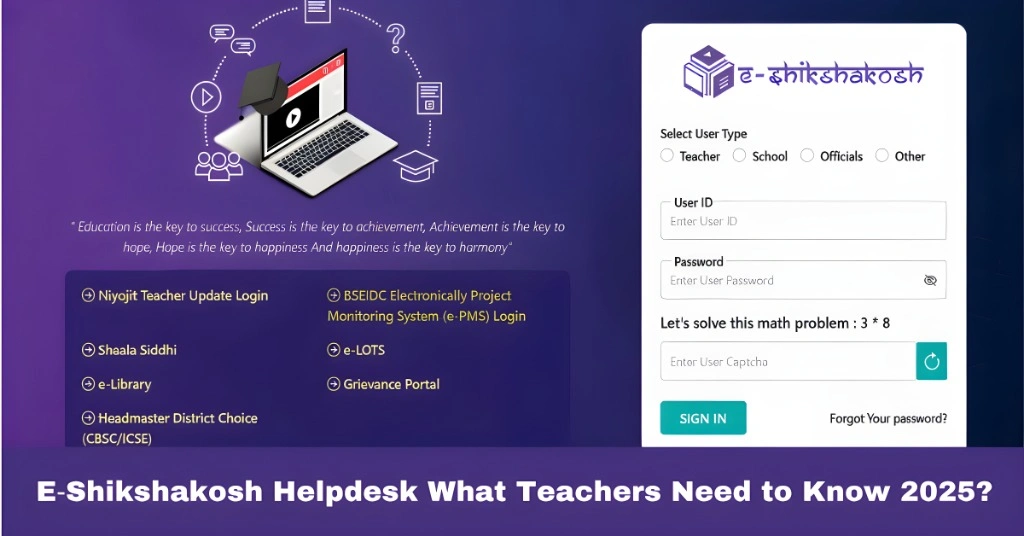
First, you need to log into the E‑Shikshakosh portal using your Teacher ID and password. Once you’re logged in, navigate to the Helpdesk or Grievance Section, which can usually be found in the menu or dashboard.
The helpdesk will usually prompt you to select the category of the issue you’re facing. Common categories include:
Other: For issues that don’t fit into the above categories.
Login issues: If you’re unable to access your account.
Attendance problems: If attendance isn’t marking or syncing.
Profile update issues: If your profile or service record is incorrect.
Document upload issues: If you’re having trouble uploading necessary documents.
Technical glitches: For any errors or bugs within the portal.
After selecting the issue type, you’ll be asked to provide a detailed description of the problem. Be sure to include:
If relevant, screenshots or error messages (e.g., “Invalid Teacher Code” or “No Records Found”).
Your Teacher ID
School name and district
A detailed description of the issue (e.g., “I cannot mark my attendance for today, the button is not responding”)
Once you’ve filled out the necessary information, hit Submit.
What Happens After You Submit a Helpdesk Request?
Once your request is submitted, you should receive an acknowledgment receipt along with a tracking ID for your issue. This helps you monitor the progress of your request.
Here’s what happens next:
Initial Review: The E‑Shikshakosh support team will review your submission and categorize it accordingly.
Resolution: Depending on the issue, the team will either resolve it directly or escalate it to higher authorities (e.g., Block Education Officer (BEO), District Education Officer (DEO), etc.).
Follow-up: You will receive updates regarding the status of your issue. If the issue is resolved, you’ll be notified. If further action is required, you’ll be asked to provide more information or document.
Types of Issues the Helpdesk Can Resolve
The E‑Shikshakosh Helpdesk is designed to handle a wide variety of issues, including but not limited to:
Issues related to forgotten Teacher ID or password.
Errors like “Invalid Teacher Code” or “No Records Found.”
Difficulty logging in due to system errors or incorrect credentials.
Attendance not marking properly or syncing with the server.
Server downtime or app crashes while trying to mark attendance.
Missing attendance records or issues with incorrect attendance data.
Mismatched or missing details in your Teacher profile, service history, or training records.
Errors in your school details, district, or posting.
Issues with document uploads, such as missing certificates or qualifications.
Problems with submitting transfer requests or leave applications.
Status of transfer or leave requests not reflecting properly.
Issues with mutual transfers or special grounds requests.
Bugs causing the portal to freeze, crash, or display error messages.
Problems related to the system interface or page loading.
Server issues leading to slow response times or downtime.
Tips for Effectively Using the E‑Shikshakosh Helpdesk
Provide Complete Details: The more detailed your grievance is, the quicker it can be resolved. Include relevant screenshots, error codes, and a clear explanation of the problem.
Be Specific: If the issue is related to attendance or service records, mention the exact date and the specific error or issue you encountered.
Follow Up Regularly: Keep an eye on the status of your grievance, and follow up if you haven’t received an update within a reasonable time frame.
Keep a Record: Always take a screenshot of your grievance submission and confirmation to keep a record of your issue.
FAQs
Final Words
The E‑Shikshakosh Helpdesk is there to assist you whenever you face technical difficulties, discrepancies in records, or any other issues with the portal. By following the steps outlined in this guide, you can easily submit a grievance and track its resolution. Always ensure you provide complete and accurate details to speed up the process. With the help of the support team, you’ll be back on track in no time!