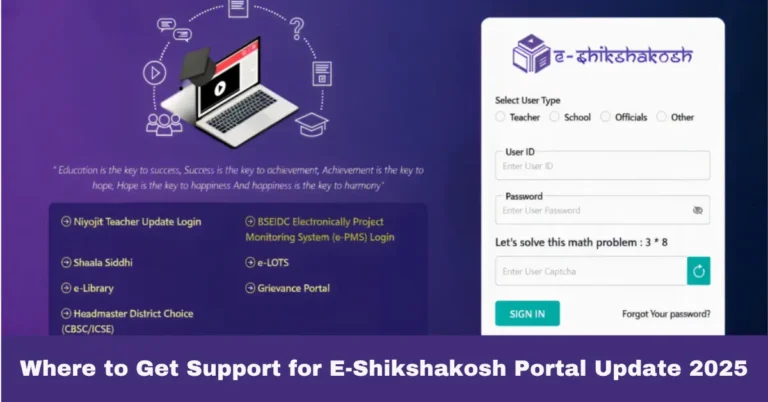
How to Fix Attendance Discrepancies on E-Shikshakosh Portal:
How to Fix Attendance Discrepancies on E-Shikshakosh Portal:
If you’re a teacher in Bihar and facing issues with attendance discrepancies on the E-Shikshakosh portal, you’re not alone. Many educators have encountered similar challenges. Let’s walk through some practical steps to resolve these issues.
Verify Your Location Settings
Problem: Attendance marked but showing as absent..
Solution: Ensure your device’s GPS is enabled and has sufficient accuracy. The E-Shikshakosh system relies on location data to verify attendance. If your device’s location accuracy is low, the system might not register your attendance correctly.
Sync Your Device
Problem: Attendance data not updating.
Solution: Sometimes, the app or portal may not sync immediately. Try logging out and logging back in, or reinstalling the app to refresh the data.
Check for System Updates
Problem: App crashes or fails to load.
Solution: Ensure you’re using the latest version of the E-Shikshakosh app. Outdated versions may have bugs or compatibility issues. Visit the official E-Shikshakosh website or your device’s app store to download the latest version.
Report Persistent Issues
Problem: Ongoing discrepancies despite troubleshooting.
Solution: Contact the E-Shikshakosh helpdesk at 9523300520 (8 AM – 8 PM, Mon-Sat) or 9430820499 (10 AM – 6 PM, Mon-Fri) for assistance. Provide them with your User ID and a detailed description of the issue for quicker resolution. (eshikshakosh.in)
Keep Records
Tip: Maintain a log of your attendance entries, including screenshots if possible. This documentation can be helpful when reporting issues or discrepancies.
Ensure Secure Login Credentials
Problem: Unable to log in or facing login errors.
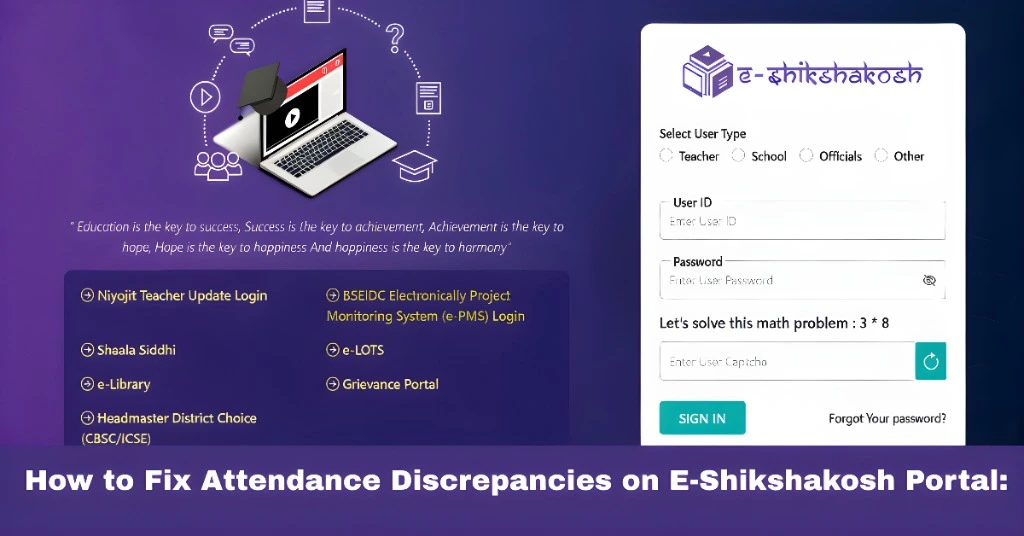
Solution: Make sure your login credentials are correct, and that you’re accessing the official portal. If you’ve forgotten your password, use the “Forgot Password” option to reset it. Avoid using shared devices to maintain the security of your account
Use the Web Version for Stability
Problem: App crashes frequently on your mobile device.
Solution: If you’re experiencing app crashes, try logging into the web version of the portal on a desktop or laptop. The web version is often more stable and offers additional features for managing attendance and other records.
Clear App Cache
Problem: App is slow or freezing.
Solution: Clearing the app cache can often resolve performance issues. Go to your device settings, find the E-Shikshakosh app, and clear its cache to improve performance.
Cross-Check with Colleagues
Problem: Discrepancy persists even after troubleshooting.
Solution: Check with other teachers in your school to see if they’re facing similar issues. Sometimes, the problem could be system-wide, and knowing this will help you better report the issue to the support team.
Contact Your School’s Admin
Problem: Unable to access certain features.
Solution: If you’re unable to access specific features such as attendance history or other reports, reach out to your school administrator. They may need to provide you with additional permissions or access.
FAQs
Final Thoughts
While digital systems like E-Shikshakosh aim to streamline processes, occasional glitches can occur. By following the steps above, you can address most attendance-related issues. Remember, you’re not alone in this—many educators are working together to ensure a smooth experience.
If you have any more questions or need further assistance, feel free to ask!