Download E-Shikshakosh App: A Step-by-Step Guide Update 2025
Download E-Shikshakosh App: A Step-by-Step Guide Update 2025
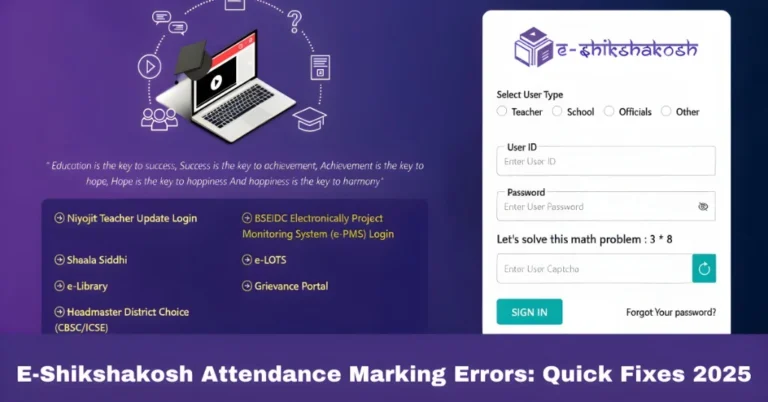
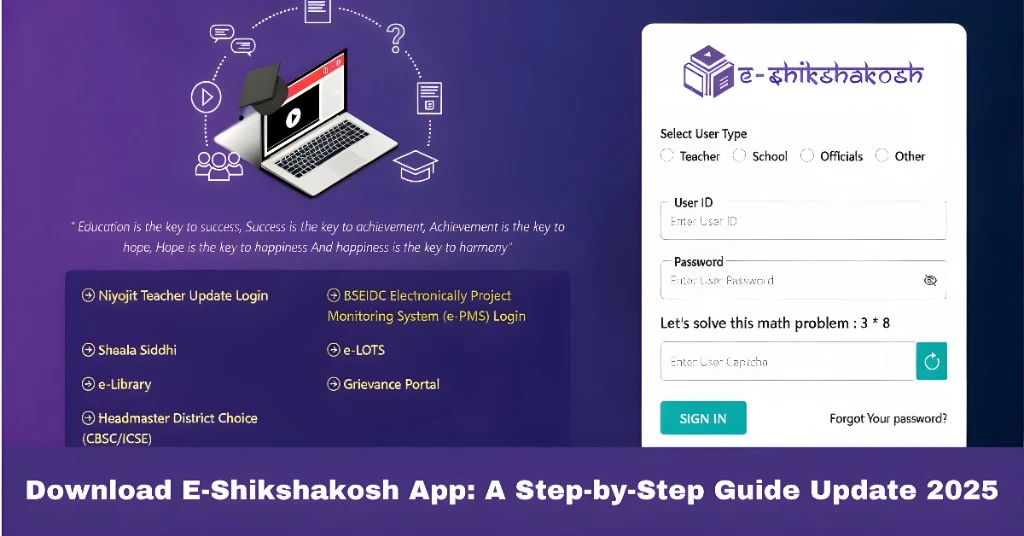
The E-Shikshakosh app is an essential tool designed by the Bihar Education Project Council to streamline educational processes in the state. It offers a comprehensive solution for teachers, headmasters, and education officials to manage attendance, track school performance, and access critical data for efficient school administration. Whether you are a teacher or a school administrator, the E-Shikshakosh app can simplify your daily tasks. If you’re wondering how to download and set it up on your device, this guide will walk you through every step to ensure a seamless installation process.
How to Download the E-Shikshakosh App
Downloading the E-Shikshakosh app is simple. Follow these steps to install it on your Android device:
Tap on the Google Play Store icon on your Android device to open it.
In the search bar at the top, type “E-Shikshakosh” and press Enter.
Choose the app developed by Bihar Education Project Council. Ensure it’s the official one, indicated by the correct logo and description related to educational management.
Click the Install button to begin downloading the app. The installation will proceed automatically.
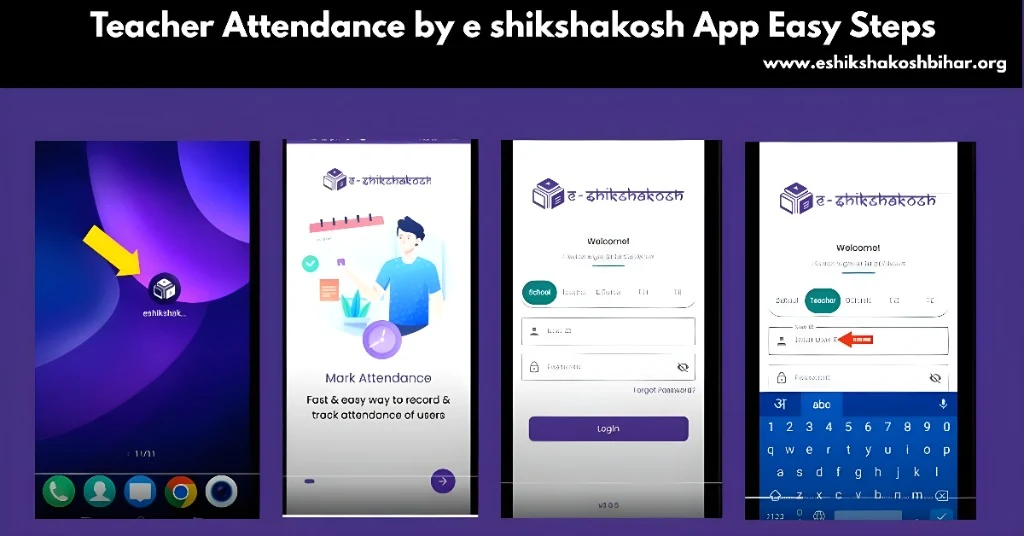
After the installation is complete, tap Open to launch the app and begin using it.
System Requirements for E-Shikshakosh App
Before downloading the app, make sure your device meets the necessary system requirements to ensure smooth installation and use:
Operating System: Android version 6.0 or higher.
Storage: Ensure your device has enough free storage space for the app.
Network: A stable internet connection (preferably Wi-Fi) for faster download and app usage.
If your device meets these requirements, the app should install and run without issues.
You can also read:How to Participate in Programs on E-Shikshakosh Update 2025
Permissions Required for the E-Shikshakosh App
The E-Shikshakosh app requires certain permissions to function correctly. When you launch the app for the first time, it will ask for:
Ensure you grant these permissions for the app to work as intended.
Troubleshooting Installation Issues
If you face any issues during the download or installation of the app, try these solutions:
Clear Cache in Google Play Store
Go to Settings > Apps > Google Play Store > Storage and tap Clear Cache and Clear Data to resolve any Play Store issues.
Ensure Enough Storage
Check your device storage. If space is low, delete unnecessary files or apps.
Check for Updates
Make sure your Android OS is up to date by going to Settings > System > Software Update.
Restart Your Device
A simple restart can solve minor software issues.
If the problem persists, you can try downloading the APK file from a trusted source like APKPure and install it manually by enabling Install from Unknown Sources in your device settings.
Additional Tips for Using the E-Shikshakosh App
Once the app is installed, here are a few tips to ensure a smooth experience:
Regularly check the Play Store for updates to ensure you’re using the latest version with the newest features and security improvements.
If the app runs slow, clear its cache or reinstall it.
Ensure that you periodically back up important data to prevent data loss.
These tips will help you get the most out of the E-Shikshakosh app.
FAQs
Final Words
The E-Shikshakosh app plays a key role in simplifying educational tasks like attendance management and school data tracking. By following this step-by-step guide, you can quickly and easily download the app and start utilizing its features. Ensure that your device meets the necessary requirements and grant the required permissions for smooth functionality. If you encounter any issues during installation, the troubleshooting tips provided should help resolve them. With the E-Shikshakosh app, managing educational tasks has never been easier.