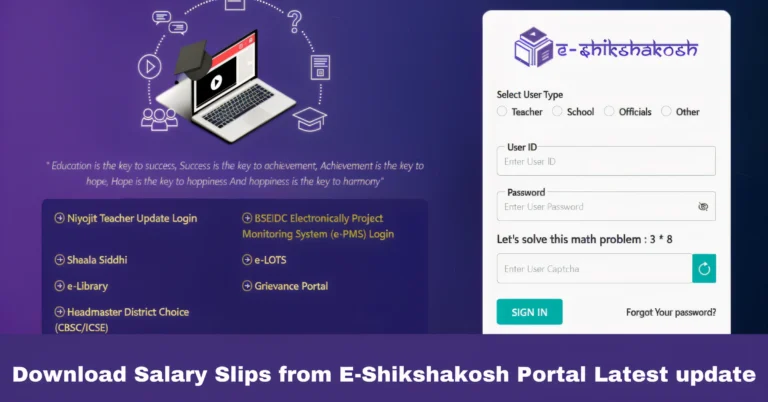
E-Shikshakosh Login Issues How to Fix Them Latest update 2025?
E-Shikshakosh Login Issues How to Fix Them Latest update 2025?
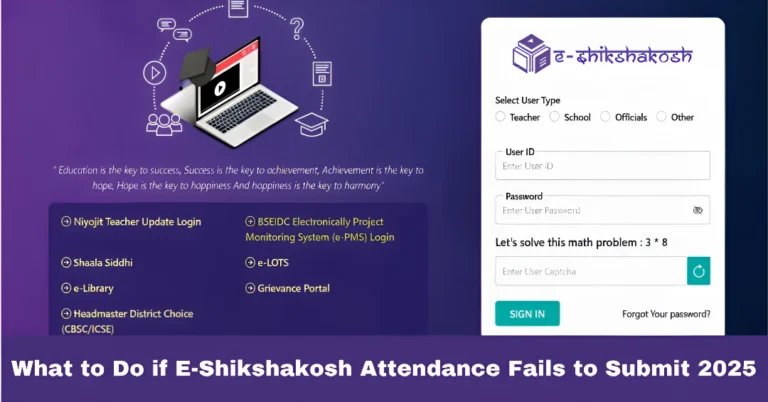
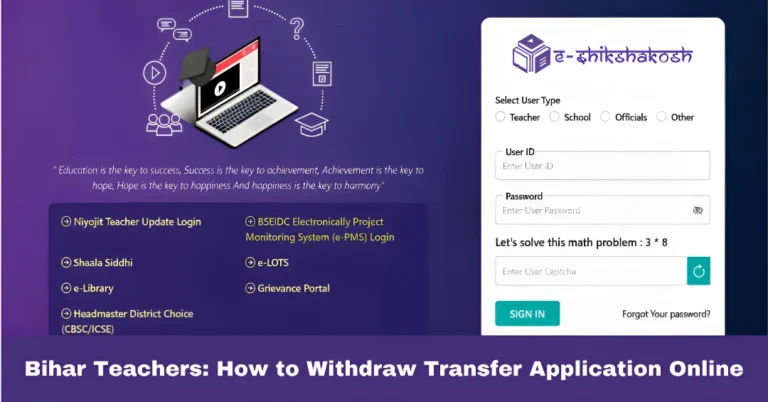
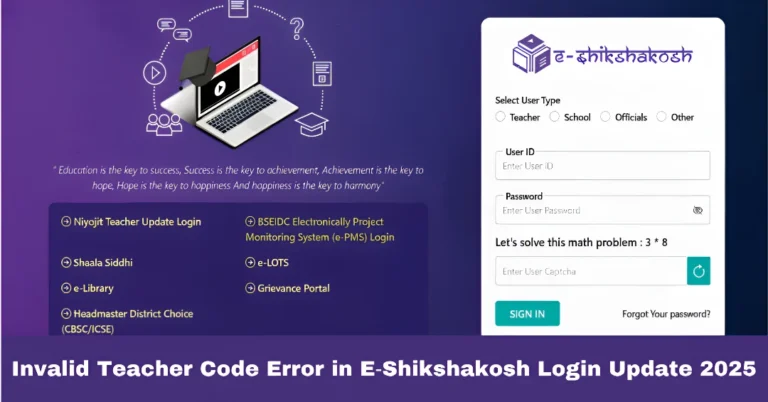
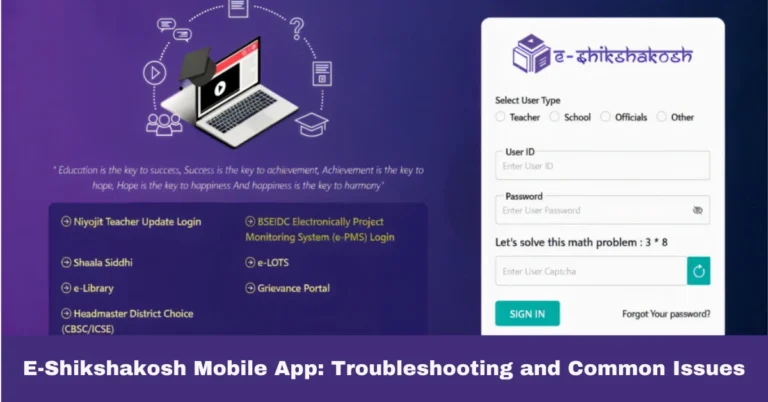
If you’re a teacher, headmaster, or educational official in Bihar using the E-Shikshakosh portal, you know how important it is to have seamless access to your account. Whether you’re managing school data, attendance, or engaging with educational programs, logging into the portal should be easy. However, like any online system, login issues can occasionally pop up, frustrating your efforts.
Don’t worry – if you’re facing problems logging into the E-Shikshakosh portal, this guide will walk you through the common login issues and how to fix them quickly.
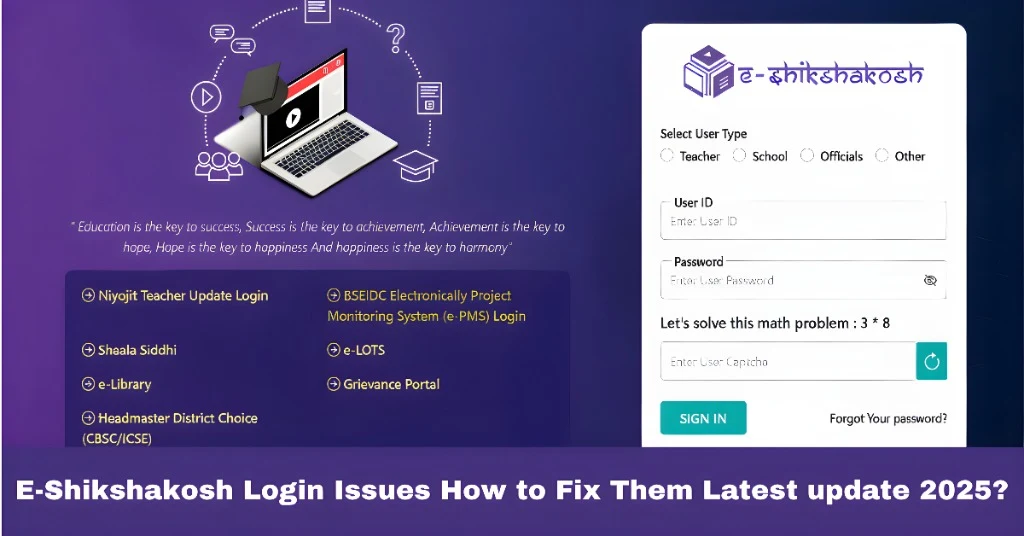
Incorrect Username or Password
One of the most common login issues is entering the wrong username or password. Double-check the following:
How to Fix It:
Username: Ensure you’re using the correct email address or username linked to your E-Shikshakosh account.
Password: Passwords are case-sensitive, so make sure you’re entering it exactly as you set it. Check for any typing errors, like accidentally hitting the Caps Lock key.
You can also read:How to Register on E-Shikshakosh Bihar Portal update 2025
OTP Not Received
If you’ve entered your credentials correctly but still can’t log in, it could be due to the OTP (One-Time Password) not being delivered to your phone or email.
This can happen if:
- Your mobile number or email is incorrectly linked to your E-Shikshakosh account.
- There is a network issue preventing the OTP from reaching you.
How to Fix It:
Wait a few minutes and check your inbox or SMS for the OTP again.
If you still don’t receive it, re-enter your details and click the OTP resend button.
Ensure your mobile network or internet connection is stable.
If you don’t receive the OTP even after multiple attempts, check if your registered email or mobile number is correct in the system. You might need to contact support to update your details.
Account Locked Due to Multiple Failed Login Attempts
If you’ve tried logging in multiple times with incorrect credentials, your account may be temporarily locked as a security measure. This is done to protect your account from unauthorized access.
How to Fix It:
Wait 15-30 minutes before trying to log in again.
Alternatively, try using the ‘Forgot Password’ option to reset your login credentials if you suspect you’ve forgotten your details.
Server or Website Issues
Sometimes, the issue may not be with your account but with the E-Shikshakosh portal itself. Server issues or maintenance can prevent you from logging in.
How to Fix It:
Check the website status: Verify if there is an ongoing issue with the portal. You can do this by visiting the portal’s social media pages or contacting support.
Clear your browser cache and try logging in again. Sometimes stored data can interfere with your login attempts.
Try using a different browser or device to see if the issue persists.
Browser Compatibility Issues
Certain browsers may not be fully compatible with the E-Shikshakosh portal, leading to issues with logging in. Common problems include loading errors or buttons not responding.
How to Fix It:
Use an updated browser: Make sure you’re using a modern browser like Google Chrome, Mozilla Firefox, or Microsoft Edge. Avoid using outdated versions of Internet Explorer or Safari.
Clear browser cookies and cache: This can help resolve any conflicts or errors caused by old data stored in your browser.
Account Suspension or Deactivation
If your account has been inactive for a while or you haven’t followed the necessary steps to verify your details, your account could be suspended or deactivated.
How to Fix It:
- Contact the E-Shikshakosh support team to find out if your account has been suspended or deactivated. They can guide you through the process of reactivating your account.
Mobile App Login Issues
If you’re trying to log in using the E-Shikshakosh mobile app and facing issues, it could be due to app-related errors.
How to Fix It:
Update the app to the latest version from the Google Play Store or Apple App Store.
Restart your device and try logging in again.
Ensure you have a stable internet connection when trying to log in to the app.
Helpful Tips for Avoiding Login Issues in the Future
Always keep your login details secure: Use a password manager to store your credentials securely. This will help you avoid forgetting or mistyping your password in the future.
Keep your email and phone number updated: Ensure that your contact information is correct to receive OTPs without any delay.
Regularly update your browser and app: Keeping your browser and app up to date ensures that you can enjoy the best performance and compatibility with the portal.
Use the official app or website: Only use the official E-Shikshakosh app or website to avoid phishing or scam issues.
FAQs
Final Words
Login issues can be frustrating, but with the solutions mentioned above, you can easily fix most problems related to logging into the E-Shikshakosh Bihar portal. Remember to keep your contact details and credentials up to date, and if the problem persists, don’t hesitate to reach out to E-Shikshakosh support. The portal is designed to simplify educational processes in Bihar, and fixing these issues will help you make the most out of this valuable tool. Happy teaching!