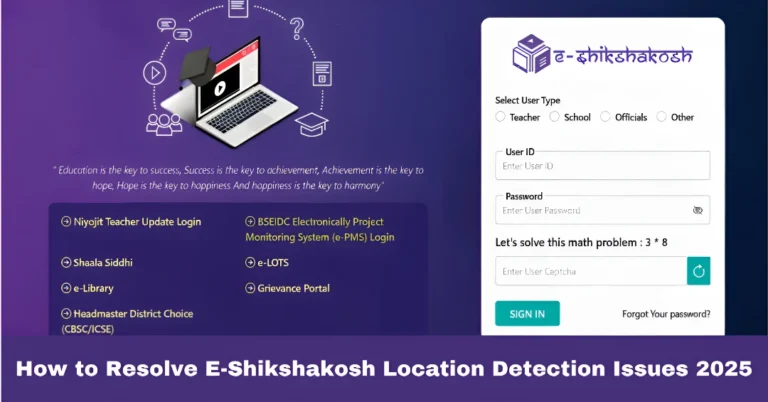
Invalid Teacher Code Error in E‑Shikshakosh Login Update 2025
Invalid Teacher Code Error in E‑Shikshakosh Login Update 2025
If you’re a teacher in Bihar trying to log into E‑Shikshakosh, but you’re getting an “Invalid Teacher Code” error, don’t worry — you’re not the only one. Many teachers face this issue, but the good news is, it’s usually an easy fix. In this guide, I’ll walk you through the possible reasons why you’re seeing this error and how to resolve it step-by-step.
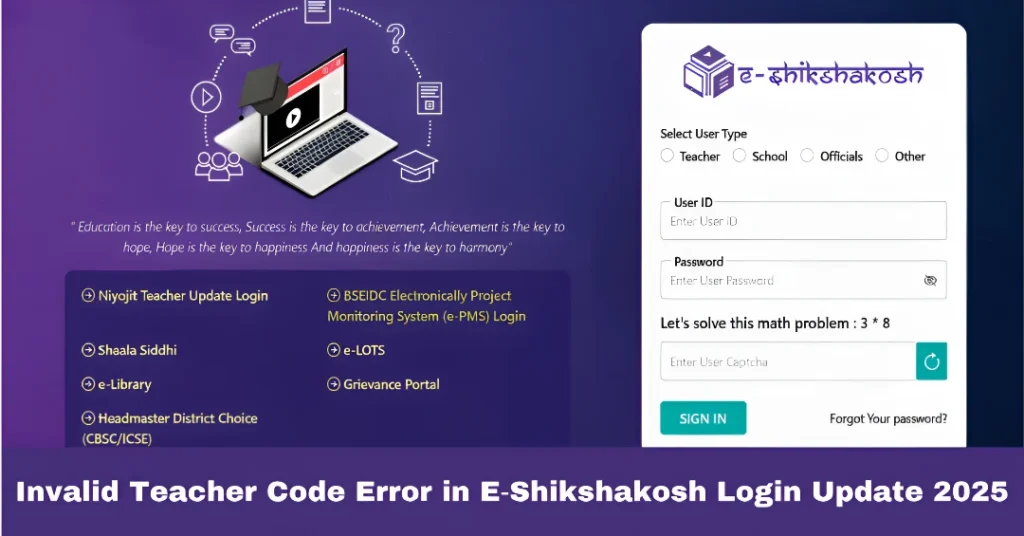
What is the E‑Shikshakosh Portal?
The E‑Shikshakosh portal is a digital platform created by the Bihar Education Project Council to streamline administrative tasks for teachers, headmasters, and education officials. Through this portal, teachers can:
Your Teacher Code is your unique identifier on the portal. It’s important for accessing all these features, and if you’re getting the “Invalid Teacher Code” error, it can prevent you from doing your daily tasks.
You can also read:Why Transfer Requests Not Showing on E‑Shikshakosh 2025?
Common Causes for Invalid Teacher Code Error
There are several reasons why the “Invalid Teacher Code” error might appear when you try to log in:
The most common cause is entering the wrong Teacher Code. Even a small mistake, like a missing digit or a wrong character, can trigger this error.
If the school’s administration has entered your Teacher Code or other details incorrectly in the system, you may face this issue. Sometimes, a typographical error or data mismatch can cause the portal to not recognize your code.
If you’ve recently been assigned a Teacher Code or transferred to a new school, the system might not have updated your information yet. This can cause the portal to reject your login attempt.
Occasionally, issues within the portal’s backend (like server problems or glitches) can cause the Teacher Code to not be recognized, even if it’s correct.
Step‑by‑Step Guide to Fix the Invalid Teacher Code Error
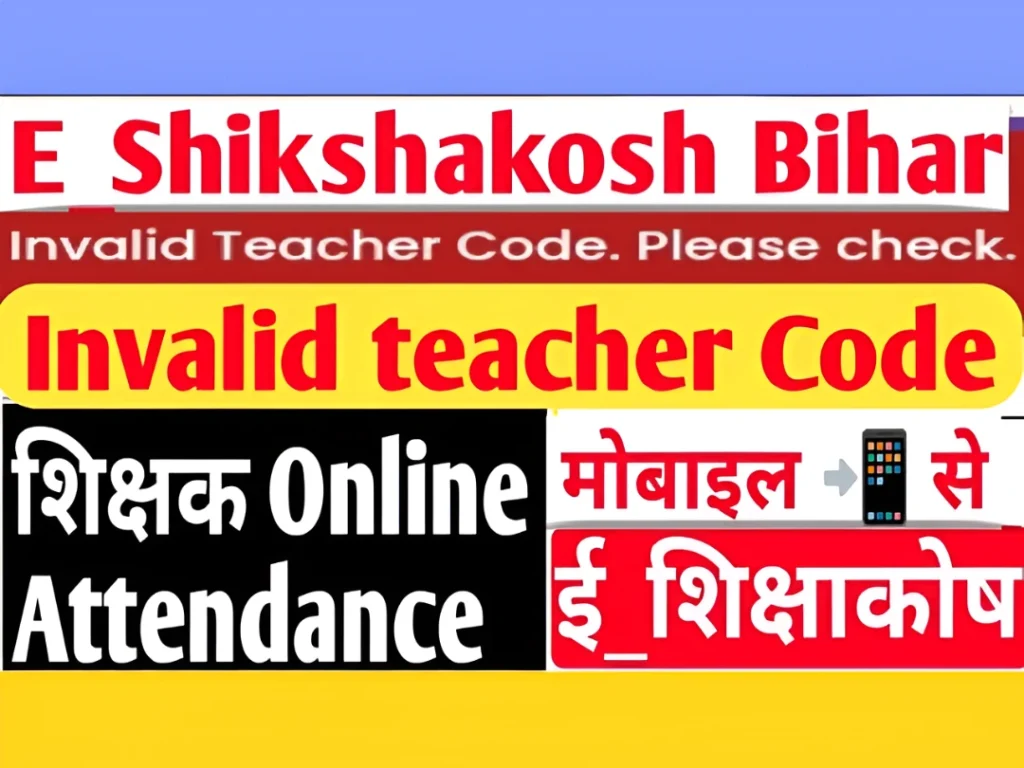
If you’re seeing the “Invalid Teacher Code” error, follow these steps to fix it:
The first thing you should do is verify your Teacher Code. Make sure that there are no typos or mistakes in the code you’re entering. Sometimes, a simple slip-up in one digit can cause the error.
If you’re not sure about the code, ask your school administration to confirm it for you.
If you’ve verified the code and it’s still not working, try clearing your browser’s cache and cookies. Sometimes, outdated data can cause issues with logging in.
You can also try Incognito mode or a different browser (like Firefox, Chrome, or Edge) to rule out browser-related problems.
If you’ve recently been assigned a Teacher Code, there might be a delay in the system updating your information. Wait for 24‑48 hours and then try logging in again.
Sometimes, after a school’s data is updated in the system, it can take a little while for the changes to be reflected on the portal.
If you’re sure the Teacher Code is correct, but it’s still showing as invalid, it’s possible that there’s an issue with the way your code or other personal details have been entered in the system.
Contact your school admin or principal and ask them to verify that your Teacher Code and other details are correctly entered into the E‑Shikshakosh system.
If the school has entered incorrect or outdated information (such as your name, school, or subject), it can lead to an invalid Teacher Code error. Your school admin can verify and update your records in the portal.
If you’ve tried all of the above and are still facing the issue, you can submit a grievance through the E‑Shikshakosh portal. The grievance section allows you to report problems with your Teacher Code or other login issues.
Provide the necessary details (e.g., Teacher Code, school name, district, and problem description) to get your issue resolved.
Tips to Avoid the “Invalid Teacher Code” Error in the Future
Verify Your Details Regularly: Make it a habit to check and update your profile on E‑Shikshakosh, especially after a transfer or change in personal information. Keeping your details accurate ensures that you don’t run into login issues.
Use the Correct Code: Always double-check your Teacher Code before trying to log in. If you’re not sure, ask your school admin to confirm it for you.
Clear Cache and Cookies: Regularly clear your browser cache and cookies to ensure smooth functioning of the portal.
Keep Your Contact Information Updated: Update your mobile number and email in the portal to avoid issues with OTPs and notifications.
FAQs
Final Words
If you’re facing the Invalid Teacher Code error on E‑Shikshakosh, it’s usually a simple issue with data entry, system delays, or browser problems. By following the steps in this guide, you can quickly resolve the issue and get back to using the portal. If the problem persists, don’t hesitate to reach out to your school admin or use the grievance section to get the issue fixed.