How to Resolve Invalid UDISE Code on E-Shikshakosh 2026
If you’re encountering the Invalid UDISE Code error while using E-Shikshakosh, don’t worry! This is a common issue faced by teachers and school administrators. The UDISE (Unified District Information System for Education) code is a unique identification number assigned to each school. If it’s showing as invalid, it means there’s an issue with how the code is linked or entered in the system. Here’s a step-by-step guide to fix it.

Step by Step Resolve Invalid UDISE Code on E-Shikshakosh
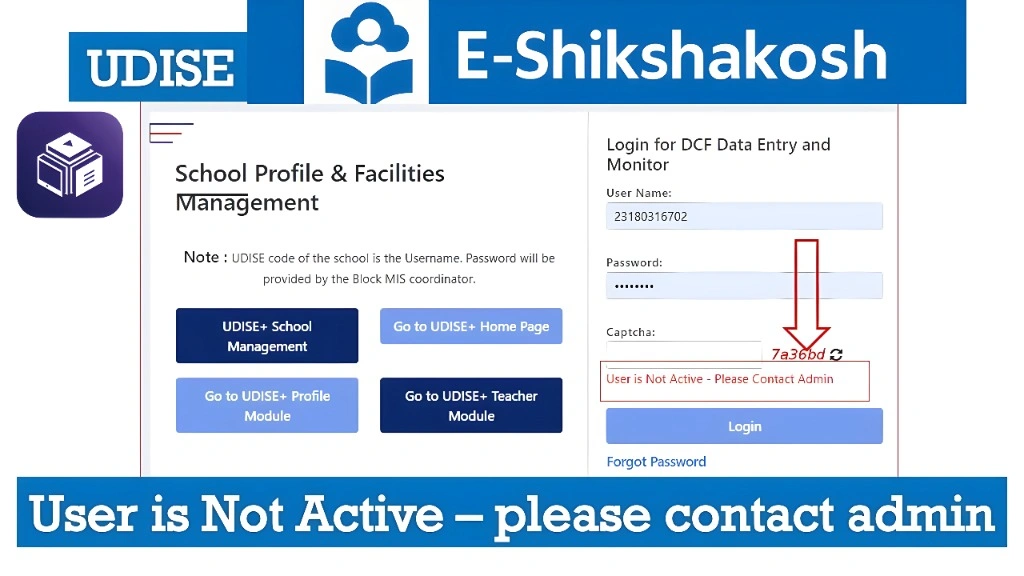
First, ensure that the UDISE code you are entering is correct. The UDISE code should be exactly as it appears in your official school documents or records.
Tip: Be sure there are no extra spaces or missing characters when entering the code.
Sometimes, the UDISE code issue arises because the school hasn’t been registered or updated in the E-Shikshakosh system. Ensure that the school is properly listed in the database.
Action: Check with the district education office to confirm that your school’s UDISE code is active and up-to-date.
If the UDISE code is correct but still showing invalid, it may need to be updated in the E-Shikshakosh portal.
Save the changes and try logging in again.
Steps:
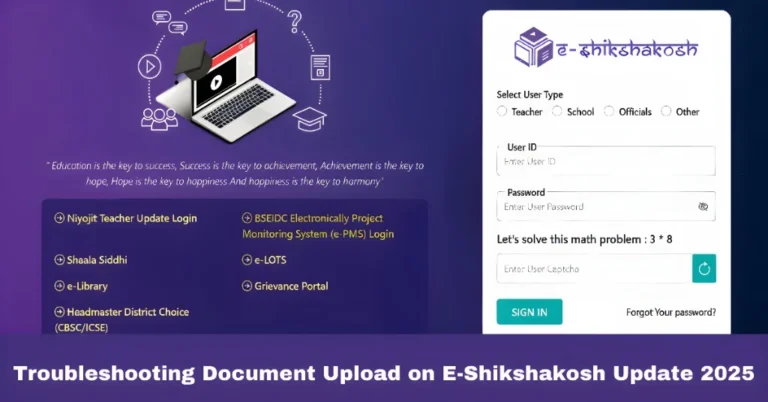
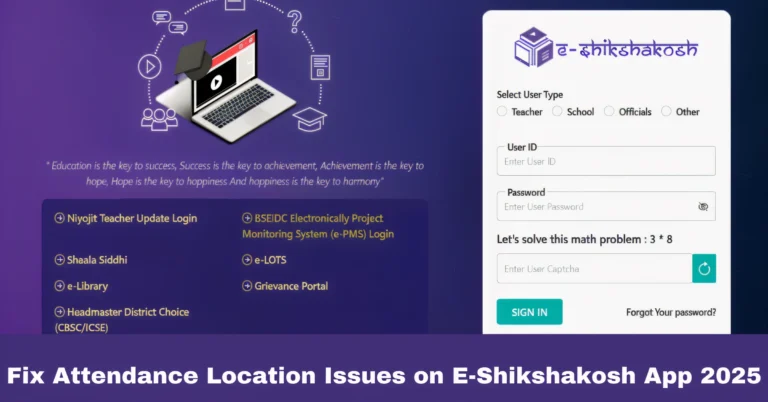
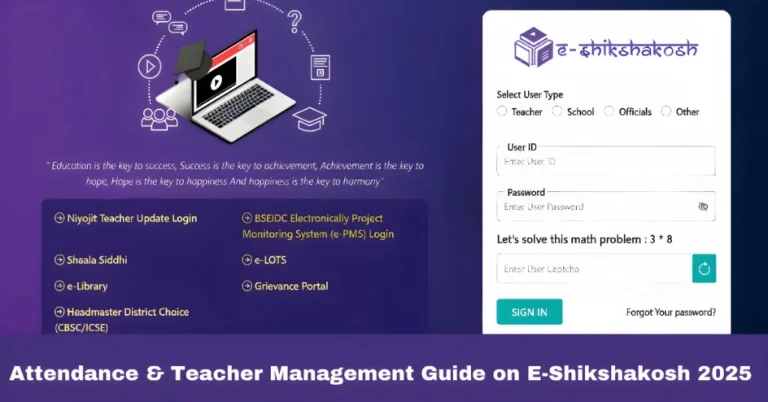
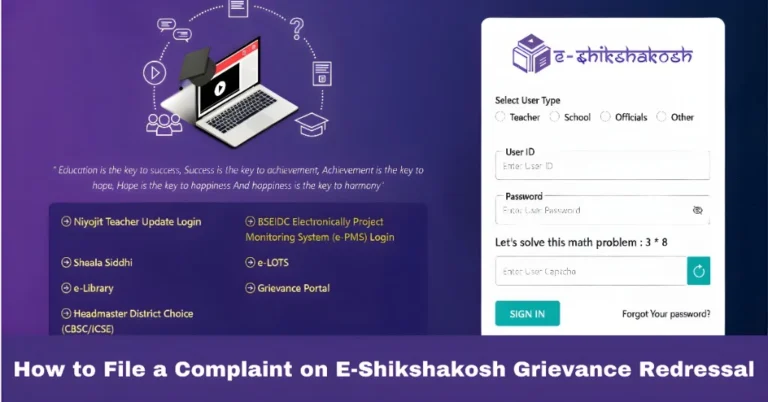
Go to the E-Shikshakosh login page.
Navigate to the school profile or school details section.
Re-enter the correct UDISE code.
If you’ve confirmed that the UDISE code is correct and the school is properly registered, but the issue persists, it might be a technical glitch or data mismatch.
Phone: 9523300520 (8 AM – 8 PM)
Action: Contact the E-Shikshakosh support team for further assistance. You can reach them through:
Email: helpdesk.esks@gmail.com
In some cases, there could be a delay in the synchronization of data between the UDISE system and E-Shikshakosh. If that’s the case, you might need to wait for the system to update.
Tip: Check again after a few hours or the next day to see if the issue is resolved.
How to Ensure Your School’s UDISE Code Is Correct
Ensuring that your school’s UDISE code is correctly entered in E-Shikshakosh can prevent issues like login failures and data mismatches. Here are a few things to keep in mind:
You can also read:Fix E-Shikshakosh Login OTP Issues Quickly Update 2026
Common Causes of UDISE Code Issues on E-Shikshakosh
The Invalid UDISE code problem on E-Shikshakosh is often caused by a few common issues, such as:
Typographical errors when entering the UDISE code.
Mismatch between the UDISE code listed in the system and the one registered in the school database.
Delays in data synchronization when school information is updated but not yet reflected on the portal.
By understanding these common causes, you can troubleshoot more effectively and prevent the issue from recurring.
FAQs
Final Words
The Invalid UDISE code issue on E-Shikshakosh can seem frustrating, but it’s usually a quick fix with a bit of attention to detail. Double-check the code, ensure it’s correctly entered, and contact support if needed. By following these simple steps, you can get back to using E-Shikshakosh seamlessly, keeping your school’s data in check and avoiding future login issues.
If you’re ever stuck, don’t hesitate to contact E-Shikshakosh support for assistance.