How to Participate in Programs on E-Shikshakosh Update 2025
How to Participate in Programs on E-Shikshakosh Update 2025
E-Shikshakosh is revolutionizing the way education is managed in Bihar, offering a digital platform for teachers, headmasters, and education officials. This one-stop portal helps streamline school management, enhance transparency, and support efficient data management. Whether you’re a teacher looking for professional development or a school staff member needing assistance, this guide will walk you through how to participate in programs on E-Shikshakosh with simple and clear instructions.
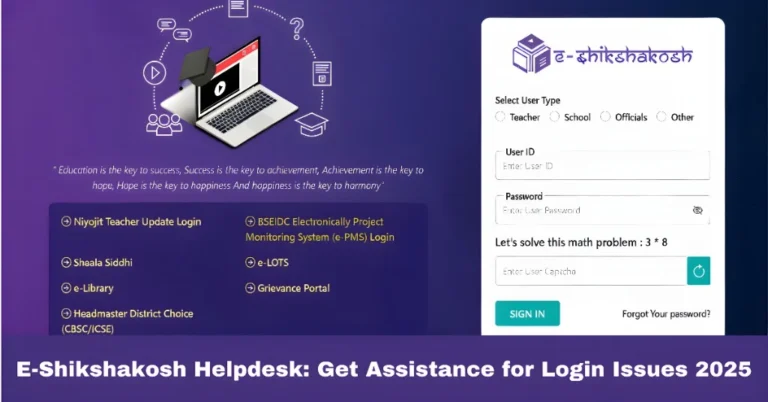
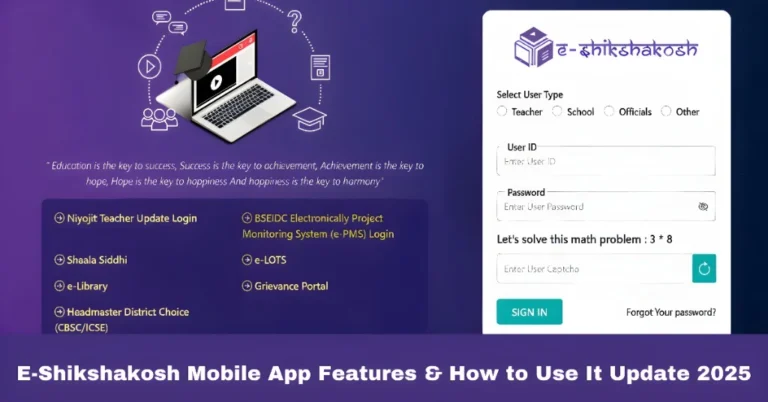
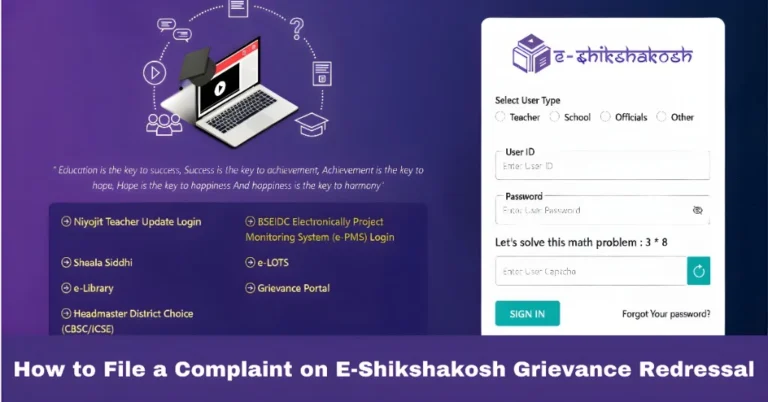
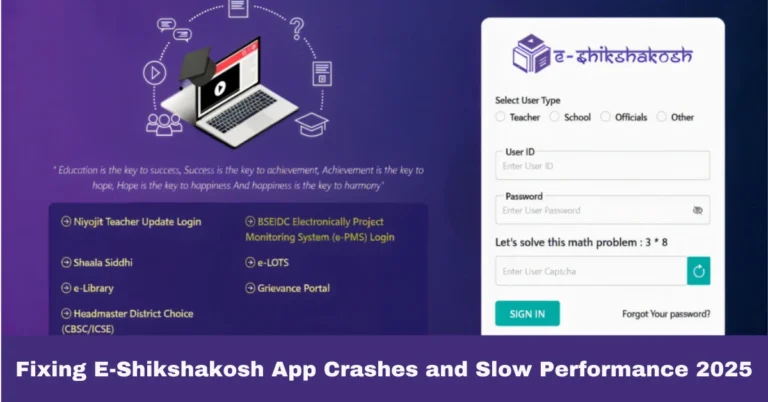
Log In to the E-Shikshakosh Portal
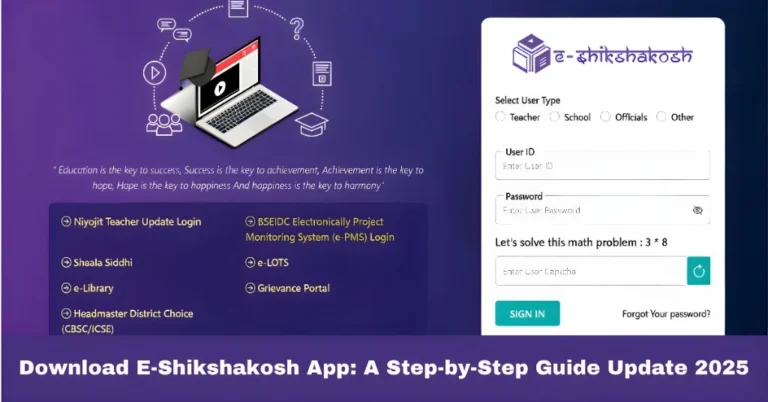
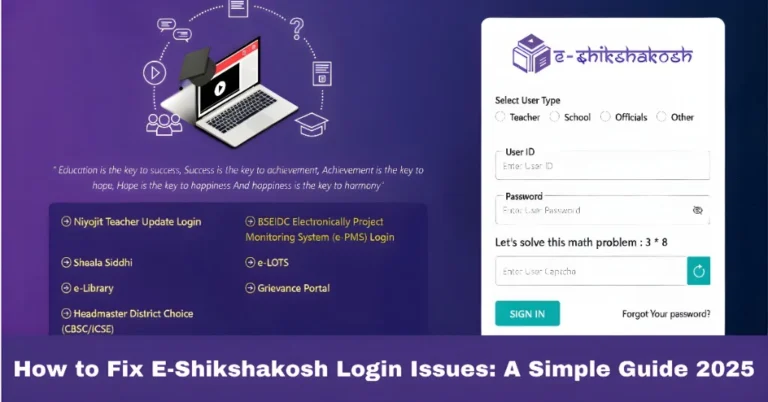
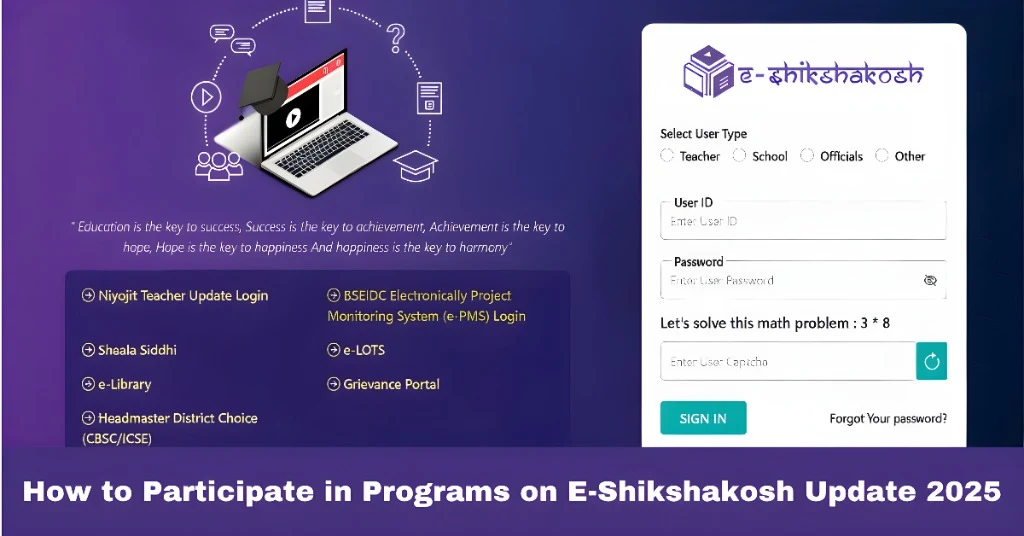
To get started, you’ll need to log into the E-Shikshakosh portal. Follow these simple steps:
Once logged in, you’ll be able to access a variety of services and participate in programs for professional development, training, and more. Don’t have an account yet? Get registered through your headmaster or district education officer (DEO).
You can also read:How E-Shikshakosh Helps Manage School Attendance update 2025
Update Your Profile
Before applying for any programs, it’s essential to ensure that your profile is up-to-date. Follow these steps to complete your profile:
Personal Details: Add your full name, contact information, and social category.
Professional Information: Fill out the information about the subject you teach, your school details, and service history.
Educational Documents: Upload the necessary certificates (PDF format) for verification.
By updating your profile, you ensure smooth participation in upcoming programs and make sure all your records are accurate.
Apply for Programs
Now that your profile is complete, you can begin applying for various programs offered on E-Shikshakosh:
Keep an eye on upcoming training sessions for educators and apply as needed. You’ll be able to enhance your skills in different areas of teaching.
You can apply for Casual Leave (CL) or Sick Leave (SL) directly through the portal.
Transfers:
If you’re seeking a transfer, you can submit your request during the designated application window. Make sure to follow all the guidelines and upload necessary documents.
All programs are listed on the portal, and you can apply for them as per the announcements made by the Education Department.
Participate in Digital Learning Initiatives
The portal also serves as a hub for digital learning, allowing you to engage with various educational initiatives:
Online Assessments: Participate in online assessments to gauge student progress and learning outcomes.
Teacher Training: There are also online sessions where you can attend training workshops to improve your teaching methods.
Access Learning Materials: Teachers and students can access a wide range of learning materials that can aid in teaching and learning processes.
These features help you stay updated with the latest teaching techniques and resources.
Need Help?
Sometimes, you may encounter issues while using the platform. Here are a few solutions:
Contact Support: If you’re facing any issues with your login or program participation, reach out to the Project Management Unit (PMU) or your District Education Officer (DEO).
Technical Assistance: If you experience app-related issues, check out helpful tutorials or contact technical support for troubleshooting.
Tips for a Smooth Experience
Regularly check and update your personal and professional information on the portal to avoid delays when applying for programs.
The portal frequently posts new programs and updates, so make it a habit to visit the site often.
A stable internet connection will help ensure you can access and participate in online programs smoothly.
FAQs
Final Words
The E-Shikshakosh portal is a powerful tool for teachers and school staff in Bihar, providing a range of programs aimed at improving the educational experience. By following the steps in this guide, you can easily log in, update your profile, apply for relevant programs, and participate in digital learning initiatives. Keep in mind that staying up-to-date with your profile and staying informed about new programs will help you make the most of what E-Shikshakosh has to offer.