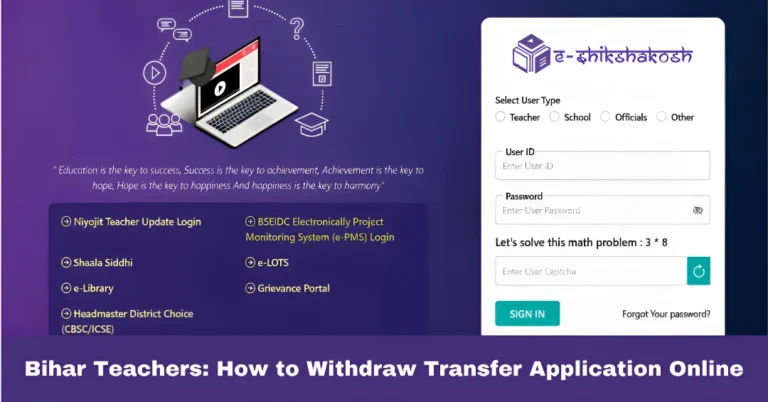
How to Recover Your Forgotten E-Shikshakosh Teacher Password
How to Recover Your Forgotten E-Shikshakosh Teacher Password
Hey there! Forgot your E-Shikshakosh teacher password? Don’t worry, it happens to the best of us. Luckily, it’s super easy to recover. This guide will walk you through the quick and simple steps to regain access to your account. Let’s get you back online and managing your school data in no time!
Visit the Official Login Page
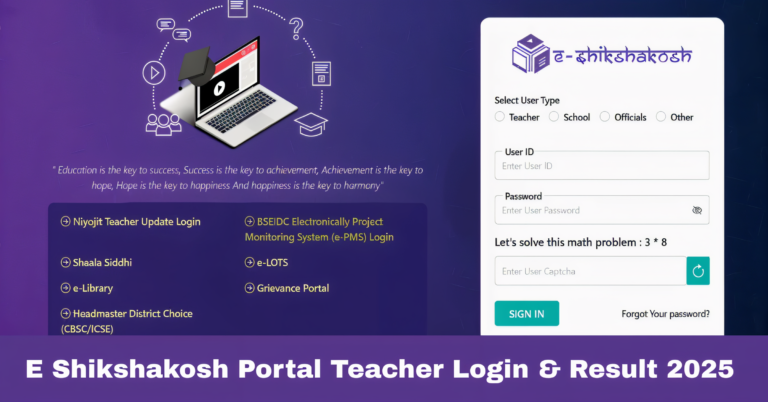
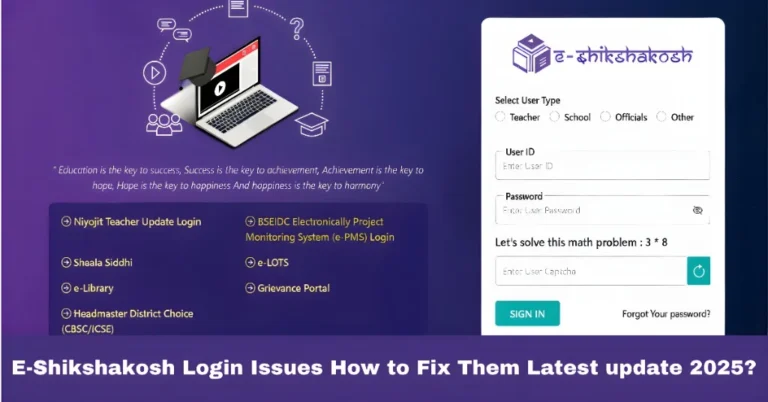
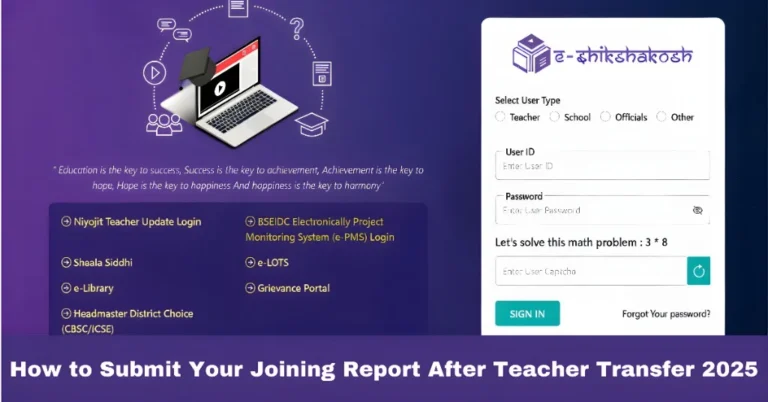
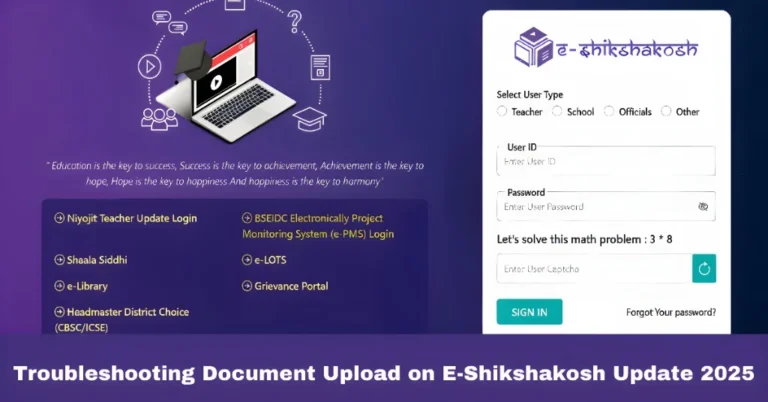
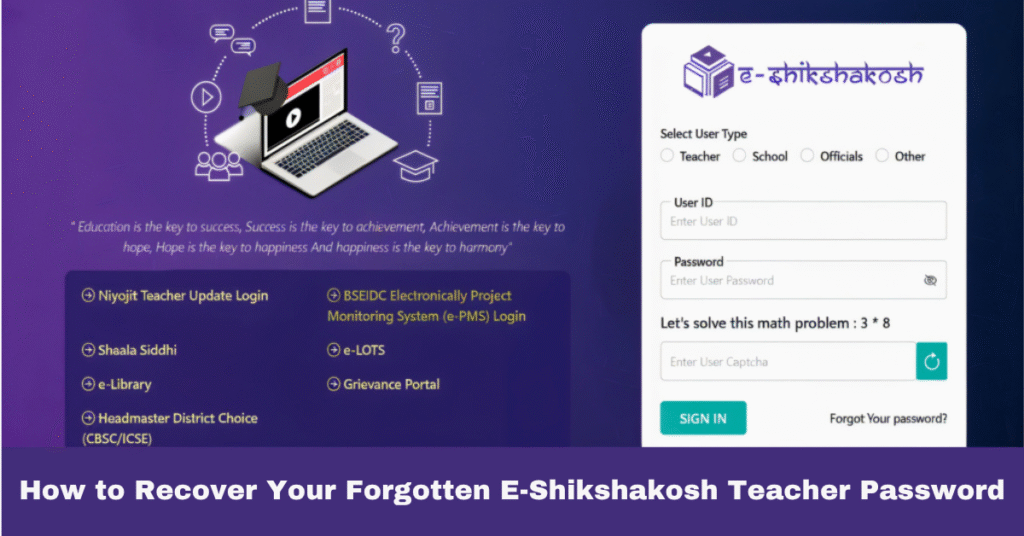
The first thing you need to do is visit the official E-Shikshakosh login page. Here’s the link:
eshikshakosh.bihar.gov.in/login/niyojitTeacher
Click on “Forgot Your Password?”
On the login screen, you’ll see a link that says “Forgot Your password?”. It’s usually right below the username and password fields. Click on this to start the password recovery process.
You can also read:Fix E-Shikshakosh Portal Slow or Unresponsive Issues 2025
Enter Your Registered Email ID
Once you click on the reset password link, you’ll be prompted to enter the email address linked to your teacher account. This should be the email you used when signing up for the portal.
Check Your Email for Reset Instructions
After you’ve entered your email, E-Shikshakosh will send a password reset link to your inbox. Keep an eye on your inbox, but if you don’t see the email within a few minutes, check your spam or junk folder.
Follow the Instructions to Reset Your Password
Once you find the email, click on the link inside. This will take you to a page where you can create a new password. Choose a strong one that you’ll remember, and make sure it’s secure.
Contact Helpdesk if Needed
If you’re facing any trouble or didn’t receive the password reset email, don’t stress. Simply contact the E-Shikshakosh helpdesk for assistance:
- 📞 7352252816
- 📞 8434144574
They’ll help you get back into your account without any hassle.
Tips for a Smooth Recovery
Use the Correct Email: Be sure to enter the email address that you used to register with E-Shikshakosh.
Check All Folders: If the reset email doesn’t show up in your inbox, look in your spam or junk folders.
Create a Secure Password: Make your new password both unique and hard to guess to ensure your account stays secure.
More About E-Shikshakosh Password Recovery
When recovering a password, it’s crucial to understand the security and privacy guidelines set by the platform. The process ensures that only the rightful user gets access to the account. The recovery steps are designed to protect your data and keep your information secure.
Keep Your Account Secure: Tips After Recovery
After resetting your password, consider enabling two-factor authentication (2FA) for an added layer of security. 2FA ensures that even if someone else gets your password, they won’t be able to access your account without the second form of verification.
Troubleshooting E-Shikshakosh Login Issues
Sometimes, login problems might not be related to your password at all. Here are a few troubleshooting steps to consider:
Accessing E-Shikshakosh on Mobile
If you’re using the mobile app, make sure it’s updated to the latest version. Outdated apps can cause login errors. If the app still isn’t working, try uninstalling and reinstalling it, and then attempt the login again.
Quick Fixes for Common E-Shikshakosh Problems
There are a few other common issues teachers face while using E-Shikshakosh. Here are some easy fixes:
Location Detection Issues: If the app isn’t detecting your school’s location, check your GPS settings and ensure the app has location permissions enabled.
Attendance Not Marking: If the system is not registering attendance, try logging out and back in, or refreshing the page.
FAQs
Final Words
Recovering your forgotten E-Shikshakosh teacher password doesn’t have to be stressful. Just follow the steps mentioned above, and you’ll be back into your account in no time. If you run into any issues, remember the E-Shikshakosh helpdesk is always available to assist you.