Step-by-Step Guide to Register Grievances on E-Shikshakosh
Step-by-Step Guide to Register Grievances on E-Shikshakosh
The E-Shikshakosh portal is an essential tool for managing educational tasks in Bihar. One of the key features of the portal is the ability to register grievances, allowing users to report issues related to the system or their accounts. If you’re facing any problems with the E-Shikshakosh portal and need to file a grievance, this guide will help you navigate the process smoothly.
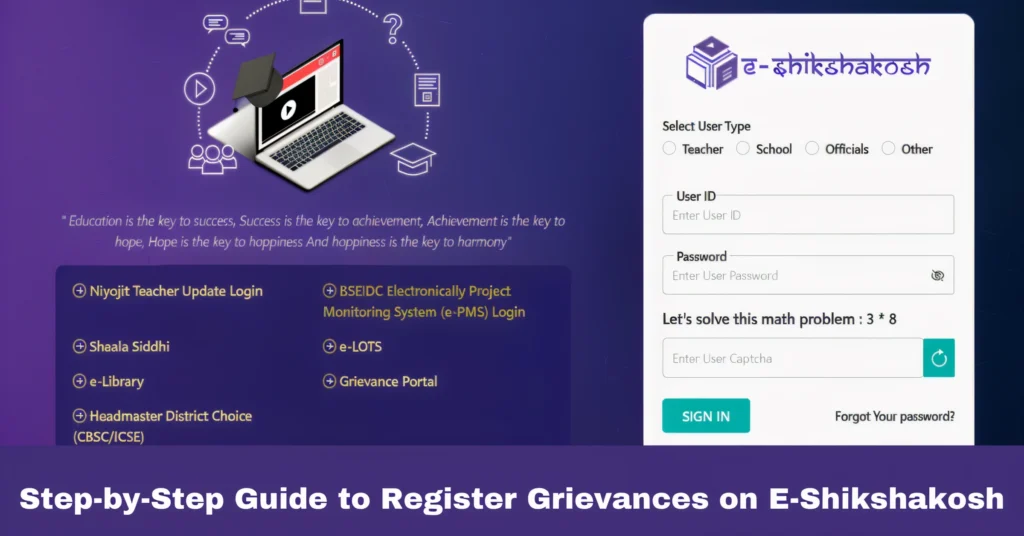
Log Into Your E-Shikshakosh Account
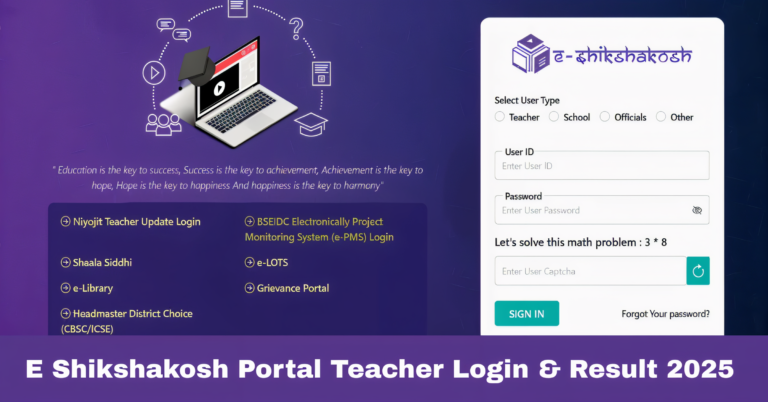
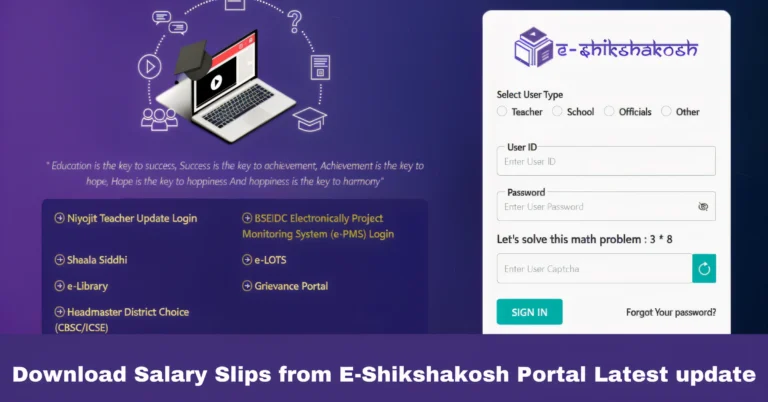
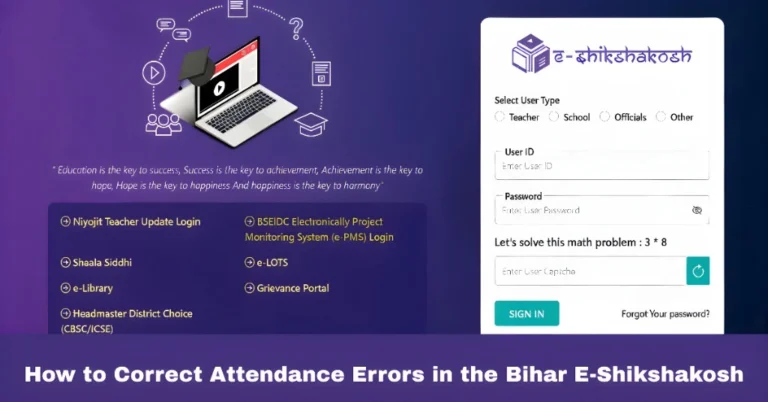
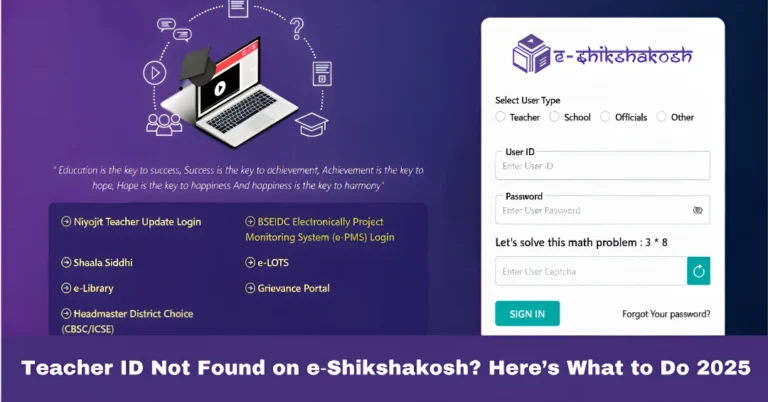
Step 1: Open the E-Shikshakosh portal (eshikshakosh.bihar.gov.in) in your browser or launch the mobile app.
Step 2: Enter your login credentials (username and password) to access your account. If you don’t have an account yet, you may need to register first.
Tip: If you can’t log in, follow the instructions to reset your password or contact support for assistance.
Navigate to the Grievance Section
Step 1: Once logged in, look for the “Grievance” or “Complaint” section on the homepage or within the menu. This section is usually located under the “Help” or “Support” tab.
Step 2: Click on the “Register Grievance” option to proceed to the grievance registration form.
Fill Out the Grievance Form
Step 1: In the grievance registration form, provide details about the issue you’re facing. Common fields may include:
Grievance Category: Select the category of your complaint (e.g., login issues, attendance problems, technical errors).
Description: Describe the issue you’re encountering in detail. Be clear and concise so the support team can understand the problem.
Attachments: If necessary, attach screenshots or documents that support your grievance. For example, if you’re facing a technical error, a screenshot of the error message will help.
Step 2: Double-check the information you’ve entered to ensure accuracy.
Tip: The more detailed and specific your grievance description, the faster it will be resolved.
Submit the Grievance
Step 1: Once you’ve filled out the form, click on the “Submit” button to register your grievance.
Step 2: After submission, you should receive a confirmation message or number that indicates your grievance has been successfully registered.
Tip: Keep a note of the grievance reference number for future follow-ups.
Track the Status of Your Grievance
Step 1: After submitting your grievance, you can check its status by visiting the grievance section in your account.
Step 2: Look for an option to view “Submitted Grievances” or “Grievance History.” Here, you can track the progress of your complaint, including whether it’s been resolved or is still under review.
Tip: If you don’t see any updates, you can follow up by contacting the support team using the grievance reference number.
Follow Up on the Grievance (If Necessary)
Step 1: If your grievance isn’t resolved within the expected time frame, you can follow up by either submitting a reminder through the portal or by contacting the support team directly.
Step 2: Provide the grievance reference number and ask for an update on the resolution.
Tips for Efficient Grievance Registration
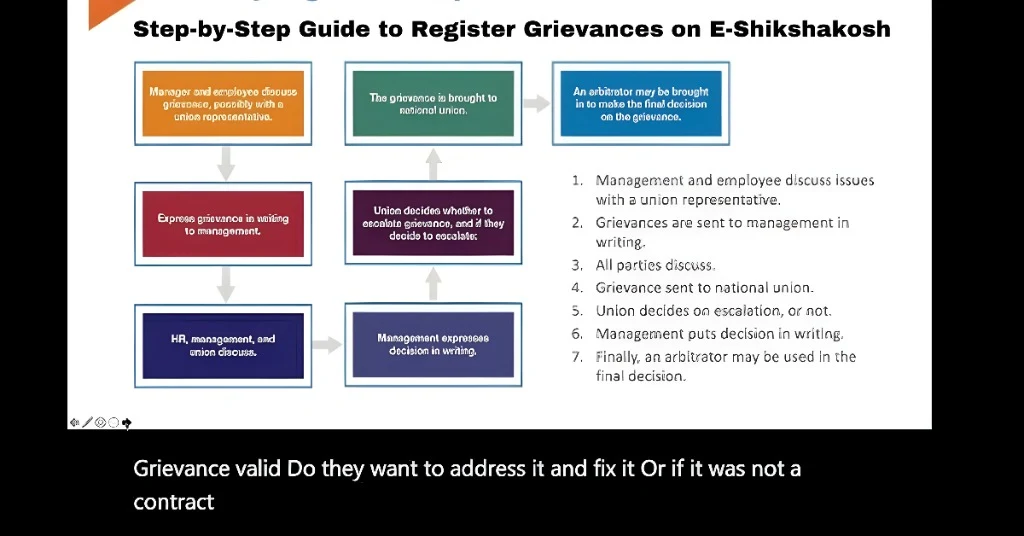
Provide a detailed description of the problem to avoid misunderstandings
If applicable, include screenshots or error logs that clearly show the issue
Keep an eye on the status of your grievance to ensure it’s being processed.
FAQs
Final Words
Registering a grievance on E-Shikshakosh is a straightforward process that ensures your issues are addressed by the relevant authorities. By following the steps outlined above, you can quickly report any problems you encounter on the portal. Remember to provide as much detail as possible to help the support team resolve your grievance faster.