What If Your School Is Missing on E‑Shikshakosh Update 2025?
If you’re trying to access your school on E-Shikshakosh (the Bihar government’s education portal) and it’s not showing up, don’t worry — you’re not the only one facing this. Missing schools can be a frustrating issue, but the good news is there are some simple steps you can take to resolve it. In this guide, we’ll walk you through why this happens and what you can do about it.

Why Is My School Missing on E‑Shikshakosh?
There are several reasons why your school might not be showing up on the portal:
Schools that haven’t updated their information in the E-Shikshakosh system will not appear in the search results.
Sometimes, the school name or code entered might be incorrect or not updated in the system. This can cause issues while searching for your school.
Sometimes, the portal is under maintenance or updates, and this can temporarily affect school listings.
In some cases, your personal account or the school’s login credentials might not be correctly linked to the portal yet.
You can also read:What to Do When E‑Shikshakosh Transfer Delays Occur 2025-26
Steps to Take If Your School Is Missing on E‑Shikshakosh
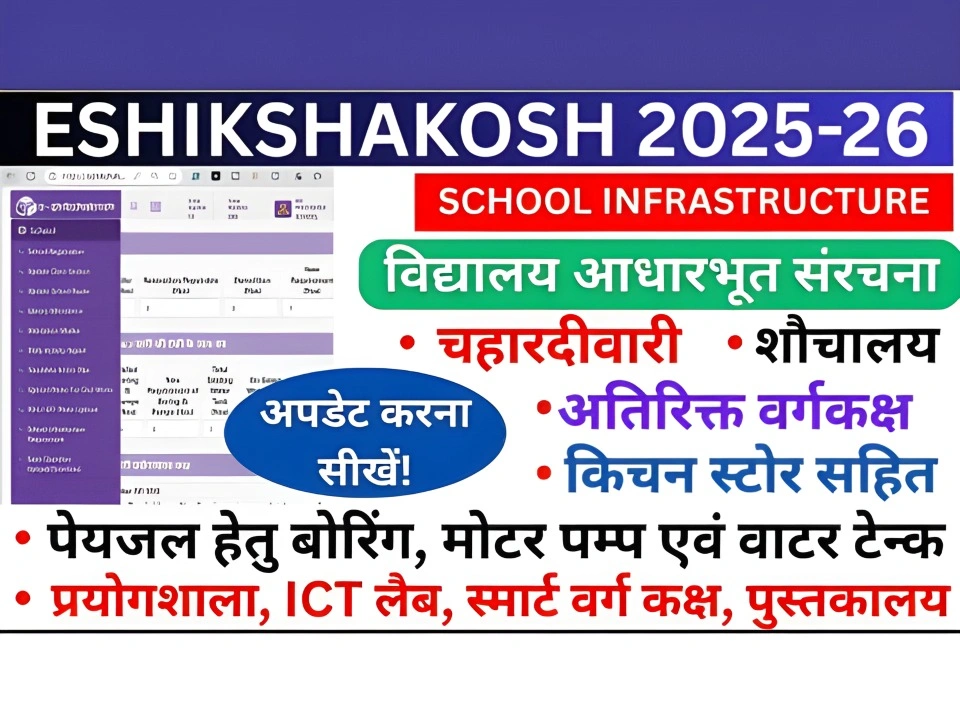
Here’s what you can do if you find that your school is not listed on the portal:
The first thing to do is check if your school is officially registered in the system. Your school principal or district education officer (DEO) can help you verify this.
What You Need to Do:
Ask if the school’s details, including school name, code, and address, have been updated.
Contact your principal or school administrator to ensure that the school has been properly registered in the E‑Shikshakosh system.
If your school is listed, but the name or code is entered incorrectly, you can request a correction. The school principal can ask the District Education Officer (DEO) or the Bihar Education Project Council to update the data.
What You Need to Do:
Inform your principal about the issue, and ask them to check if the school name or code needs correction.
If your school is still missing or there’s a major issue, you can file a grievance directly through the E‑Shikshakosh portal. This can help address data problems or issues with the system.
What You Need to Do:
Provide all the necessary details such as your school’s name, code, and location to assist in the correction.
Go to the Grievance section on the E‑Shikshakosh portal and submit a complaint.
Sometimes, the portal goes through maintenance or updates, which can cause temporary glitches. If this is the case, your school might not appear until the system is updated.
What You Need to Do:
Stay updated on any maintenance notices through the official E‑Shikshakosh notifications.
Keep checking back after a few hours or the next day to see if the issue is resolved.
If none of the above steps resolve the issue, you can contact the technical support team of E‑Shikshakosh for further assistance. They can investigate the problem and offer a solution.
What You Need to Do:
Reach out via email or phone to get support from the tech team.
Visit the Help or Contact Us section on the E‑Shikshakosh website.
Additional Tips
Always Check Your Login Details: Ensure you are logging in with the correct user type (teacher, admin, etc.) to access school data.
Keep School Information Updated: Regular updates from your school’s administrative team will help keep the data accurate and minimize issues with missing information.
Follow Up on Grievances: After filing a grievance, stay in touch with the grievance cell to track the progress of your complaint.
FAQs
Final Words
It can be frustrating when your school is missing from E‑Shikshakosh, but in most cases, it’s an issue that can be easily fixed. By following the steps outlined above — from verifying your school’s registration to submitting a grievance — you’ll be back on track in no time. If you’re unsure about anything, always reach out to your school’s admin team or E‑Shikshakosh support for help.
Stay patient, and remember that small issues like this are often resolved quickly with the right approach.