How to Update Profile & Service Records on E‑Shikshakosh 2025
By
How to Update Profile & Service Records on E‑Shikshakosh 2025
If you’re using E‑Shikshakosh and want to make sure your profile and service records are accurate and updated — you’re in the right place. Keeping your profile and service history up to date helps ensure your attendance, transfers, salary, training records, and promotions all reflect correctly. I’ll walk you through how to do it step by step, like I’m helping a friend.
Why You Should Keep Your Profile & Service Records Updated
Having correct details on your E‑Shikshakosh record is important because it’s the system your school, block, and district use for everything from attendance to service history. If your details are wrong or outdated, it can lead to issues such as:
Your training records not showing up
Your service history or transfer eligibility being incorrect
Problems with salary or promotions
Your profile looking incomplete when authorities check
So, updating your profile and service records isn’t just a nice‑to‑do — it’s essential.
Step‑by‑Step: Updating Your Profile on E‑Shikshakosh
Here’s a simple checklist to update your basic profile details:
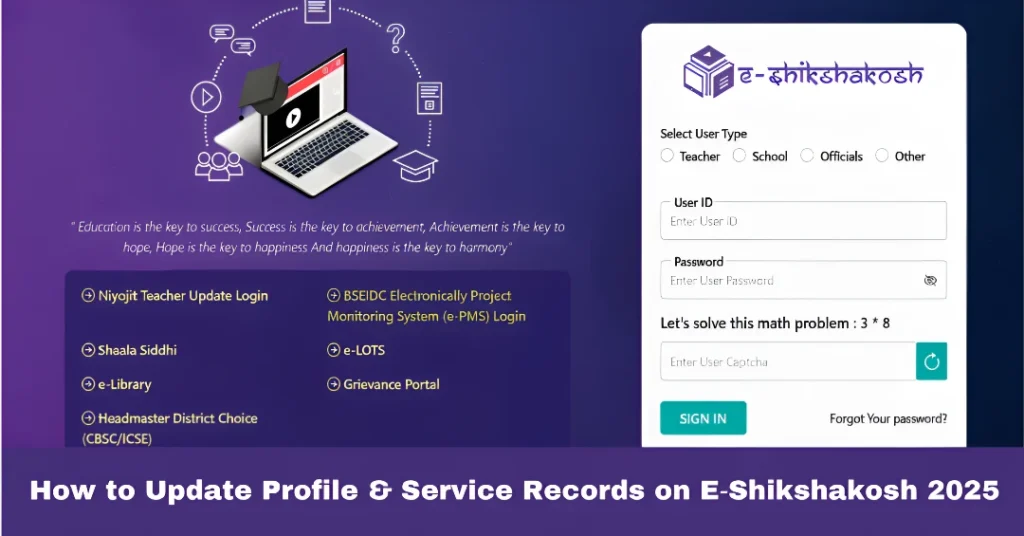
Log into E‑Shikshakosh using your Teacher ID and password.
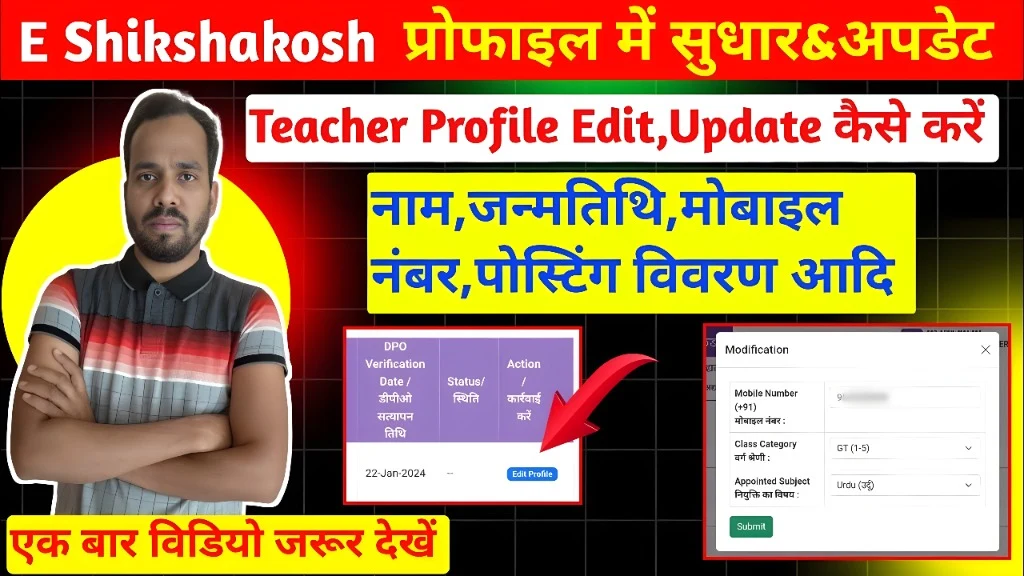
After login, go to the menu and select “My Profile” or “Teacher Profile”.
Check and update the following fields: Mobile number and email address (make sure these are yours) Address details (permanent and correspondence) Subject taught, grade/level, school posting, block and district Aadhar or teacher code details (if your authority requires it)
If you change any of these details (for example you’ve been transferred to a new school), update the “Posting Details” section by selecting your new school/zone/block.
Upload any required documents (if the portal asks) like your joining letter, qualification certificates, or school posting orders.
After updating, click Submit/Save. Then log out and log in again to ensure changes have taken effect.
How to Update Your Service Records (Training, Past Service, Transfers)
Updating service records involves a few more details and often may need admin verification:
Go to the “Service Records” or “My Service History” section in the portal.
Here you may see fields like: date of joining, service in previous schools, training completed, promotions, increments.
If you’ve attended training programs, make sure those certificates or trainings are reflected. You may need to upload proof. (Many teachers have recorded how to do this online)
If your previous transfers or postings are missing, you may need to ask your headmaster/school admin to verify and upload documents.
After uploading and submitting, check the “Pending Verification” status. Sometimes your update will show “Pending BEO/DEO Verification”.
Once verified, your service history will reflect correctly, which ensures your profile is fully accurate.
Tips for a Smooth Update Process
Always keep scanned copies of important documents ready (joining letter, past posting orders, training certificates).
When you change schools, inform both the old and new school so they can help update your posting details quickly.
Log in after making changes to ensure your profile reflects what you entered.
If you see “Pending Verification” for a long time, contact your school admin or the block MIS officer to follow up.
Make profile updates during off‑peak hours (early morning or late evening) when portal traffic is low.
FAQs
You can update many of your personal details and training/service record uploads yourself. But for things like posting/school change, previous service records, or something requiring verification, you may need help from your school admin or block office.
Many updates reflect instantly after saving. Others, especially service record or posting/post‑transfer changes, may show “Pending Verification” and take a few days once higher level (BEO/DEO) approves.
Your details may become outdated, which can cause problems with salary, leave records, transfer eligibility, or training verifications. It’s better to keep everything current.
Verify you uploaded it correctly and that the format is as required. If it shows pending for too long, ask your school admin to check or trigger verification.
Go to your profile section, update the mobile number, save the changes. Then ensure you receive any OTP or confirmation on the new number. If you can’t change it yourself, contact your school admin.
Final Words
Updating your profile and service records on the E‑Shikshakosh portal might take a little time, but it’s well worth it. It ensures your teacher identity, postings, training, and service history are all correctly recorded. This helps you stay on track with your career and avoid unnecessary complications. Take a few minutes this week to log in, check your profile, make any updates needed, and you’ll have peace of mind.
Step-by-Step Guide to Register Grievances on E-Shikshakosh The E-Shikshakosh portal is an essential tool for managing educational tasks in Bihar. One of the key features of the portal is the ability to register grievances, allowing users to report issues related to the system or their accounts. If you’re facing any problems with the E-Shikshakosh portal…
Reset E-Shikshakosh Password Without Mobile Update 2025 E-Shikshakosh is an essential portal for teachers, headmasters, and school staff in Bihar. It helps manage attendance, school data, and training programs. But what happens if you forget your password and cannot use your registered mobile number to reset it? Don’t worry. There are easy ways to regain…
Troubleshooting Document Upload Problems on E-Shikshakosh Uploading documents to the E-Shikshakosh portal is a crucial step for teachers in Bihar to maintain accurate records. However, users often encounter issues during this process. This guide provides simple, step-by-step solutions to common problems faced during document uploads. Check File Format and Size E-Shikshakosh accepts only specific file…
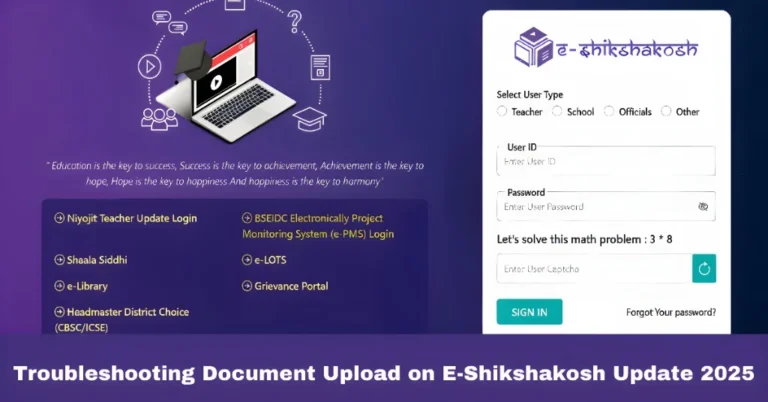
Troubleshooting Document Upload on E-Shikshakosh Update 2025 Hey there! If you’re facing challenges uploading documents on the E-Shikshakosh portal, you’re not alone. Many teachers and education officials face similar problems, and luckily, these issues can often be easily resolved. In this guide, we’ll walk through the most common problems people face when uploading documents and…
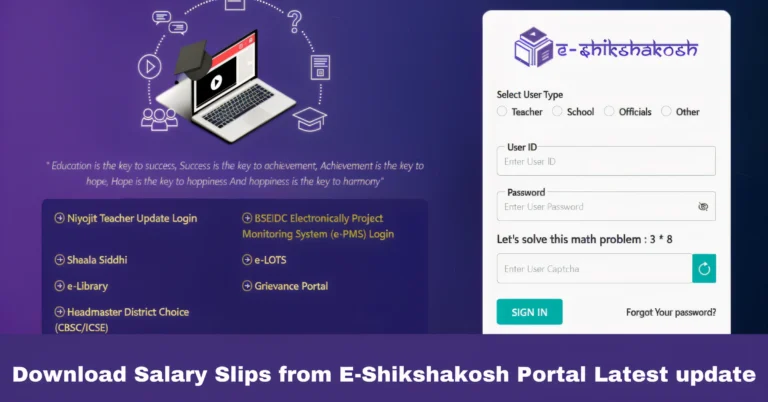
Download Salary Slips from E-Shikshakosh Portal Latest update The E-Shikshakosh portal is a one-stop solution for teachers and education staff in Bihar to manage their administrative needs. One of its most useful features is the ability to access and download salary slips online. No more waiting for physical copies — you can get your salary…
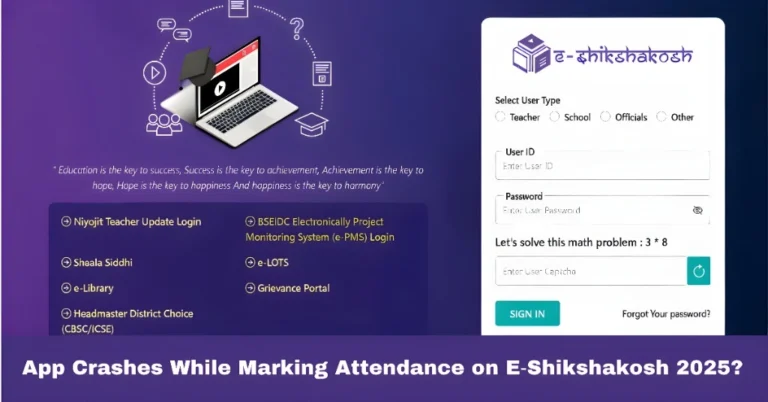
App Crashes While Marking Attendance on E‑Shikshakosh 2025? If the E‑Shikshakosh app crashes while you’re trying to mark attendance, it can be frustrating — especially when you’re on a tight schedule. Don’t worry! This is a common issue faced by many teachers, and the good news is that it’s usually easy to fix. In this…