How to Track Teacher Training Details on E‑Shikshakosh 2025
How to Track Teacher Training Details on E‑Shikshakosh 2025
As a teacher in Bihar, keeping track of your training details is important for professional development and career advancement. E‑Shikshakosh offers an easy way to access and track your training records. Whether it’s for career growth, salary increments, or meeting certification requirements, knowing how to find your training details on the portal is essential.
In this guide, I’ll show you how to efficiently track your teacher training details on E‑Shikshakosh, ensuring you stay on top of your professional growth.
Why Tracking Training Details Is Important
Tracking your teacher training details on the E‑Shikshakosh portal is crucial for several reasons:
Career Advancement: Many promotions and salary increments are based on the completion of certain training programs.
Verification of Professional Development: It helps to verify that you’ve attended and completed the required training.
Meeting Educational Requirements: Certain training programs may be mandatory for continuing education or teaching certifications.
Accurate Records: Ensuring that your training records are updated regularly prevents discrepancies in your service history.
You can also read:How to Access E‑Shikshakosh Reports and Data Efficiently 2025
Step-by-Step Guide to Tracking Teacher Training Details on E‑Shikshakosh
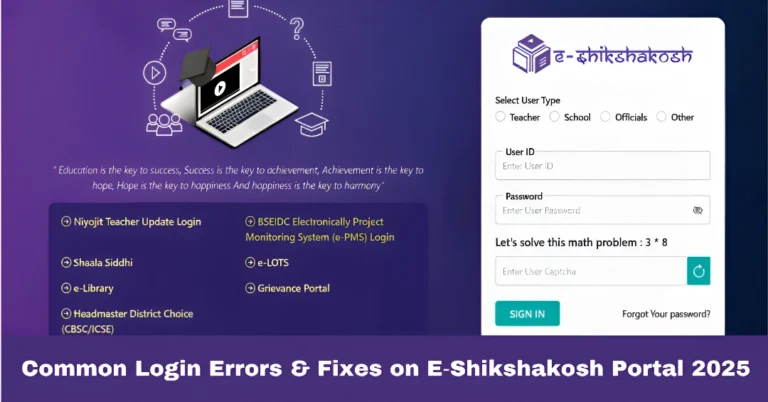
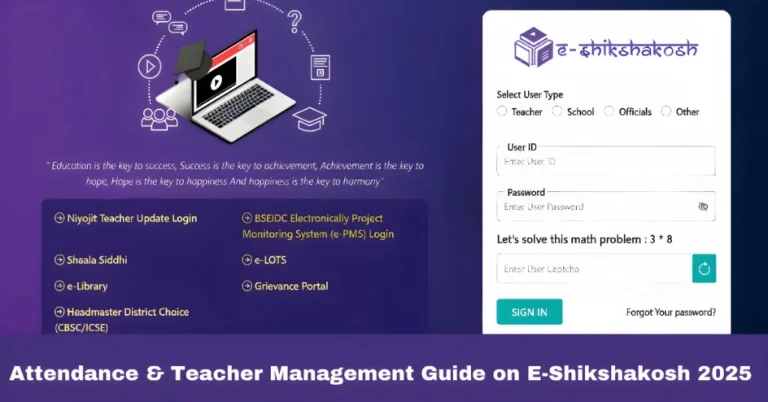
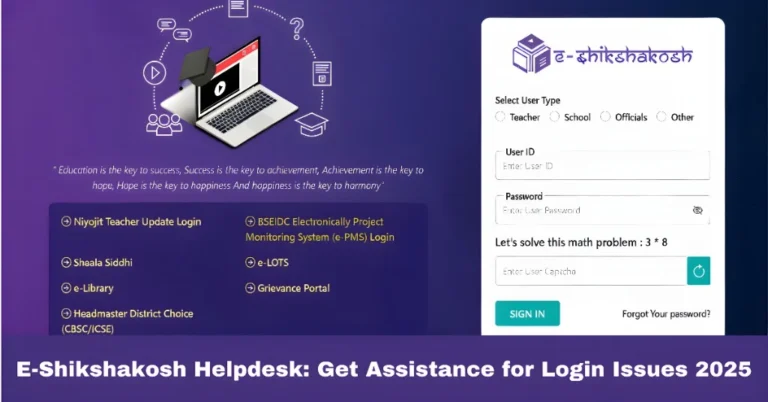
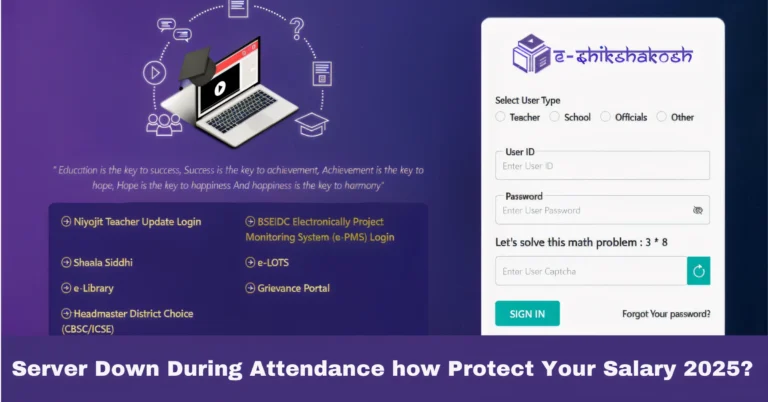
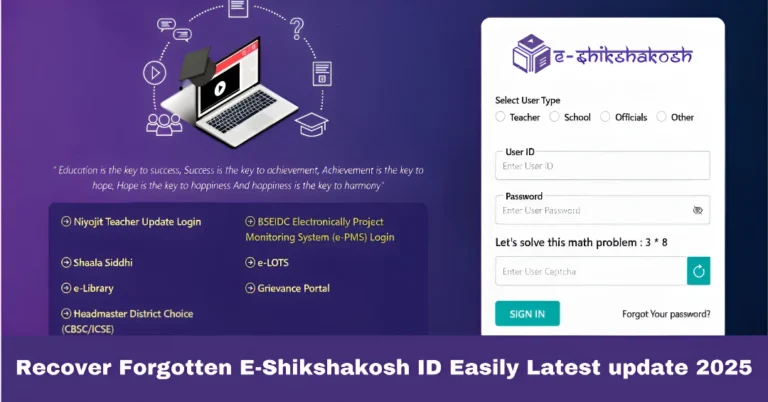
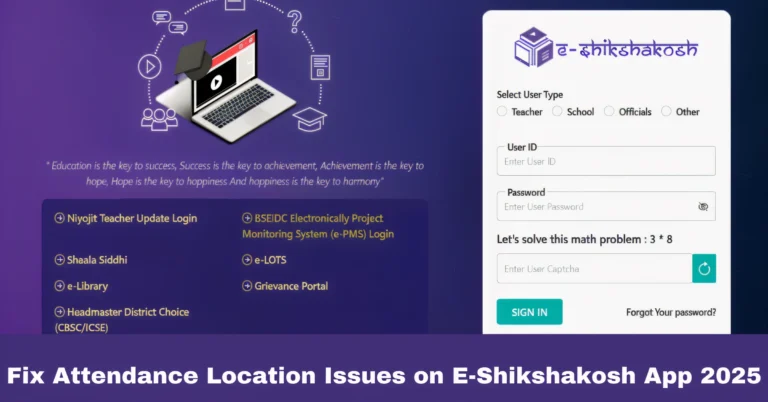
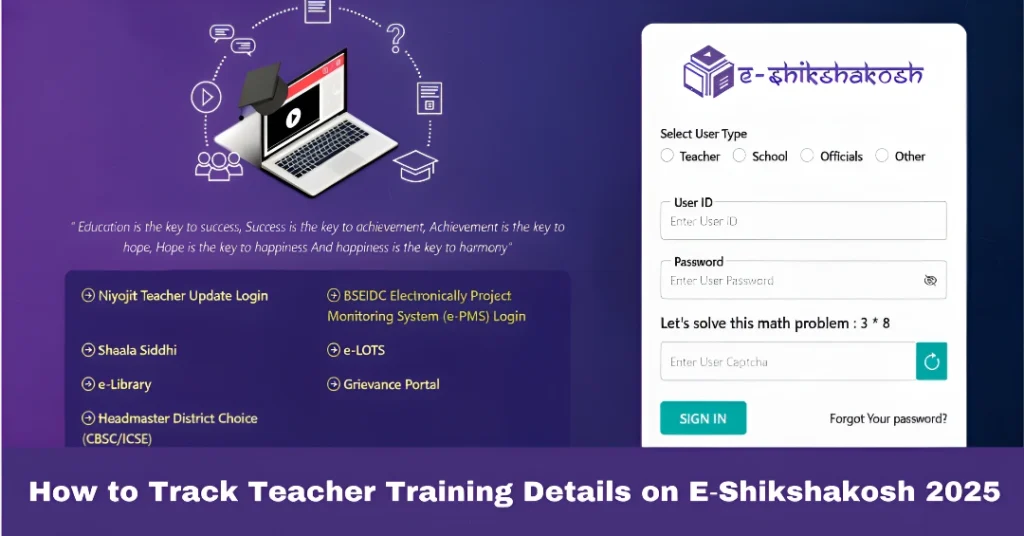
Open the E‑Shikshakosh portal in your web browser.
Enter your Teacher ID and password to log in. If you don’t have an account or have forgotten your credentials, use the “Forgot Password” feature to recover your login details.
Once you are logged in, you’ll be directed to your dashboard. The training section is where you can track all your professional development programs.
Click on “Training” to view the list of training programs you’ve attended or are enrolled in.
Look for the “Training” option in the navigation menu. This can typically be found in the “My Profile” or “Service Record” section, depending on your user interface.
The training section will display the following details:
Certificates: If applicable, there may be a certificate number or link to download the certificate.
Program Name: The name of the training program you completed.
Date of Completion: When you attended the training or the certification was awarded.
Institute/Organization: The name of the organization or institution that conducted the training.
Training Status: Whether the training is completed, pending, or needs verification.
Tips for Efficiently Tracking Training Details
It’s a good idea to check your training records periodically to ensure they are up-to-date. If you’ve recently completed any training programs, but the details are not showing, reach out to your school admin to verify that your records are entered correctly.
Some training programs require you to upload certificates or proof of completion. Ensure that you have scanned copies of your certificates ready and upload them as required by the portal. This will help in verifying your training.
If you’ve completed several programs over the years, use the filter options in the training section to search for specific trainings by:
- Date range (e.g., training completed in 2021)
- Program type (e.g., in-service training, online courses)
- Training provider (e.g., specific university or institution)
This will help you quickly locate the program you’re looking for.
In some cases, your training records might show as pending verification. If this happens, contact your school admin to confirm whether your training has been registered in the system or if any additional documentation is needed.
If your training certificates are available for download on the portal, download and keep a copy for your records. You may need these certificates for future promotions, salary increments, or job applications.
FAQs
Final Words
Keeping track of your teacher training details on E‑Shikshakosh is vital for your career growth and ensures that you stay on top of your professional development. By regularly checking and updating your records, you’ll be better prepared for future promotions, salary increments, and other opportunities.
With this step-by-step guide, you now know exactly how to efficiently access and track your training details on E‑Shikshakosh. Whether you’re checking for a specific course or verifying your service records, the portal makes it easy to stay organized.