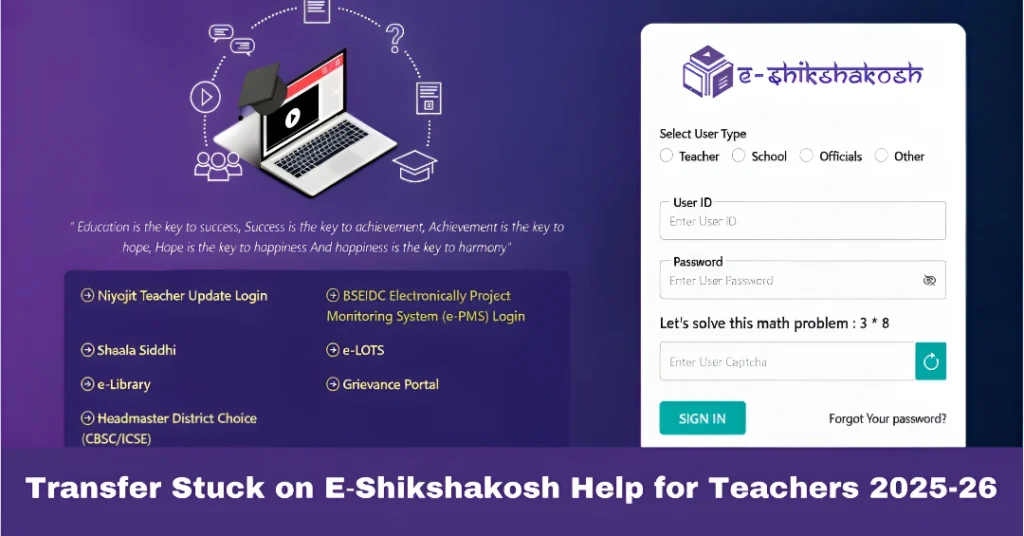
Transfer Stuck on E‑Shikshakosh Help for Teachers 2025-26
If you’re a teacher using E‑Shikshakosh and you find that your transfer request is stuck, don’t worry — this is a common issue that can be solved with a few simple steps. Whether you’ve been waiting for a long time, or your transfer seems to be stuck in the system, this guide will walk you through the reasons it might be happening and how to get things moving.
Why Is My Transfer Stuck on E‑Shikshakosh?
There can be several reasons why your transfer request might be delayed or stuck on the portal. Here are the common issues:
Transfers usually need to be approved by your school principal, district education officer (DEO), or other officials before being processed. If these approvals are pending, your request might be stuck.
If any information in your transfer request is incorrect or incomplete, it might delay the process. Double-check the details you’ve entered, including school name, district, subject, etc.
Sometimes, technical glitches or maintenance on the E‑Shikshakosh portal can cause delays in processing requests. If this happens, your transfer might not show up or get stuck.
Some regions or schools might have quotas or limits on how many transfers can happen in a specific timeframe. If you’re stuck due to this, it might take a little longer for your request to go through.
You can also read:How to Raise a Grievance in the E‑Shikshakosh Portal 2025-26
How to Fix a Stuck Transfer Request
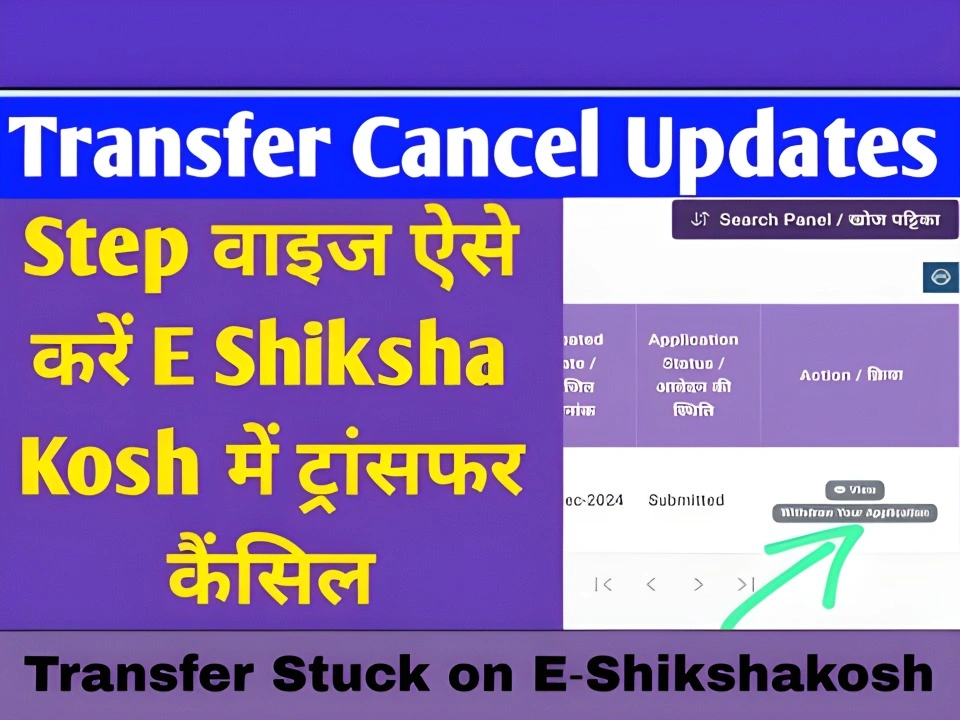
If your transfer is stuck, here’s what you can do to speed things up:
Make sure all the details in your transfer request are correct. Any incorrect or missing information could cause your request to stall. Here’s what to check:
- School Name: Ensure your school name is listed correctly.
- District: Double-check the district information.
- Teacher Information: Verify your ID, designation, and other personal details are accurate.
If you find any issues, update the information and try submitting the request again.
If your transfer request is stuck at the approval stage, you should contact your principal or school admin to ensure they’ve approved the request. Sometimes, the approval step can take time if the officials are busy with other tasks.
If your request has been approved at the school level but still shows as stuck, contact the District Education Officer (DEO). They are responsible for processing transfer requests at the district level.
You can contact them via phone, email, or visit their office to inquire about the delay.
If the issue persists and you’re unable to get any updates, you can file a grievance through the E‑Shikshakosh portal. This will alert the authorities to your issue and help speed up the process.
Steps to File a Grievance:
- Go to the Grievance Section in your dashboard.
- Fill in the necessary details, including the issue you’re facing (e.g., “Transfer request stuck”).
- Submit any supporting documents if needed.
- You’ll receive a Grievance ID to track your issue.
Sometimes, the portal goes under maintenance or faces technical errors that can cause delays. If you suspect this is the case, check for any official notifications on the E‑Shikshakosh website or contact their support team for updates.
What If the Transfer Process Still Doesn’t Work?
If your transfer is still not progressing despite following all the steps above, here are a few more things you can do:
Follow up regularly: Be persistent in checking the status of your transfer and following up with the authorities.
Visit the district office: If the delay is too long, you might want to personally visit the District Education Office (DEO) and ask for assistance in getting your transfer approved.
FAQs
Final Words
If your transfer is stuck on E‑Shikshakosh, don’t panic. Most of the time, it’s a simple issue that can be solved by verifying your information, reaching out to the right authorities, or following up through the grievance system. Be proactive, and you’ll be able to get your transfer request moving again!
If you need more help or want a template for a grievance complaint, just let me know!