Troubleshooting Document Upload Problems on E-Shikshakosh
Troubleshooting Document Upload Problems on E-Shikshakosh
Uploading documents to the E-Shikshakosh portal is a crucial step for teachers in Bihar to maintain accurate records. However, users often encounter issues during this process. This guide provides simple, step-by-step solutions to common problems faced during document uploads.
Check File Format and Size
E-Shikshakosh accepts only specific file formats and sizes. Ensure your document meets the following criteria:
Accepted Formats: JPEG, JPG, PNG, PDF
Maximum File Size: 300 KB
Tip: If your document exceeds the size limit, consider compressing it using online tools or scanning it at a lower resolution.
Ensure Proper Scanning of Documents
Poor-quality scans can lead to upload failures. Follow these tips for optimal scanning:
Resolution: Scan at 300 DPI for clear readability.
Lighting: Ensure even lighting to avoid shadows.
Alignment: Place documents flat and aligned to prevent skewed images.
Tip: Use a scanner app on your smartphone for better results.
You can also read:How to Enter Student Data Without Aadhaar on E-Shikshakosh
Verify Internet Connection
A weak or unstable internet connection can disrupt the upload process. Ensure you have a stable connection before attempting to upload documents.
Tip: If possible, use a Wi-Fi connection with a strong signal for faster uploads.
Clear Browser Cache and Cookies
Accumulated cache and cookies can cause issues with the portal. Clearing them can resolve unexpected errors.
Steps to Clear Cache and Cookies:
Open your browser settings.
Navigate to the privacy or history section.
Select the option to clear browsing data.
Choose to clear cache and cookies for all time.
Tip: After clearing, restart your browser and try uploading again.
Use Supported Browsers
E-Shikshakosh is optimized for certain browsers. Using unsupported browsers can lead to functionality issues.
Recommended Browsers:
Google Chrome
Mozilla Firefox
Microsoft Edge
Tip: Ensure your browser is up to date for the best experience.
Contact Support for Assistance
If you’ve tried all the above steps and still face issues, it’s time to reach out for help.
Contact the E-Shikshakosh helpdesk:
- Phone: +91-9523300520 or +91-9430820499
- Email: helpdesk.esks@gmail.com
Tip: Provide them with details about your issue, including your device model, browser version, and any error messages you’ve encountered.
Recheck Document Details
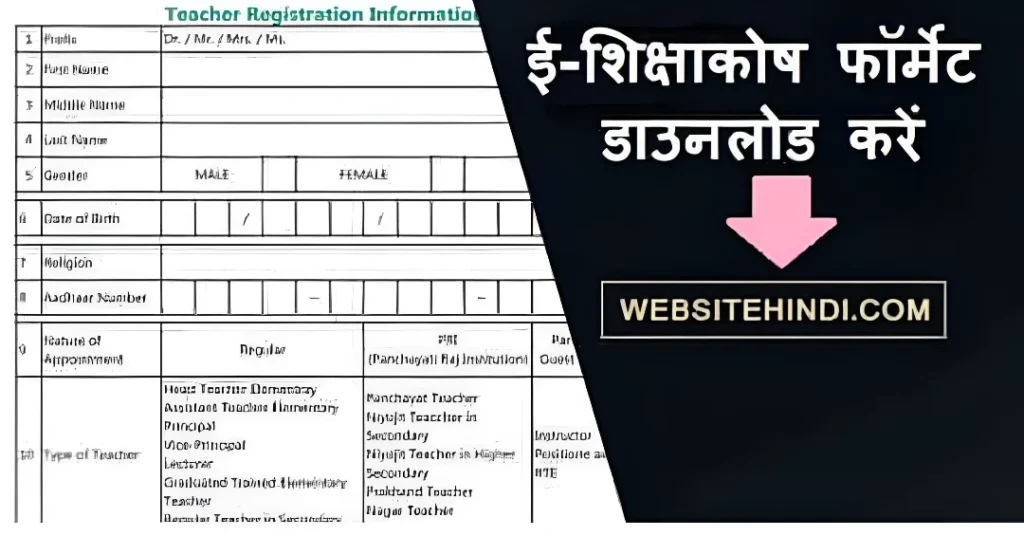
Sometimes, uploading issues arise due to incorrect details entered while uploading. Ensure that all fields, such as document title or description, are filled correctly. Missing details can sometimes cause an error during the upload process.
Tip: Double-check the document’s title and any related details before uploading to avoid mistakes.
Try Uploading from a Different Device
If you’re still unable to upload the document, consider trying a different device. There might be an issue with your current device’s settings or software that is preventing the upload.
Tip: Use a desktop or laptop if you’re trying from a mobile device, as they tend to have fewer compatibility issues with document uploads.
FAQs
Final Words
Document upload issues on E-Shikshakosh can be frustrating, but with the right approach, they can be resolved. By ensuring your documents meet the required specifications, maintaining a stable internet connection, and using supported browsers, you can streamline the upload process.